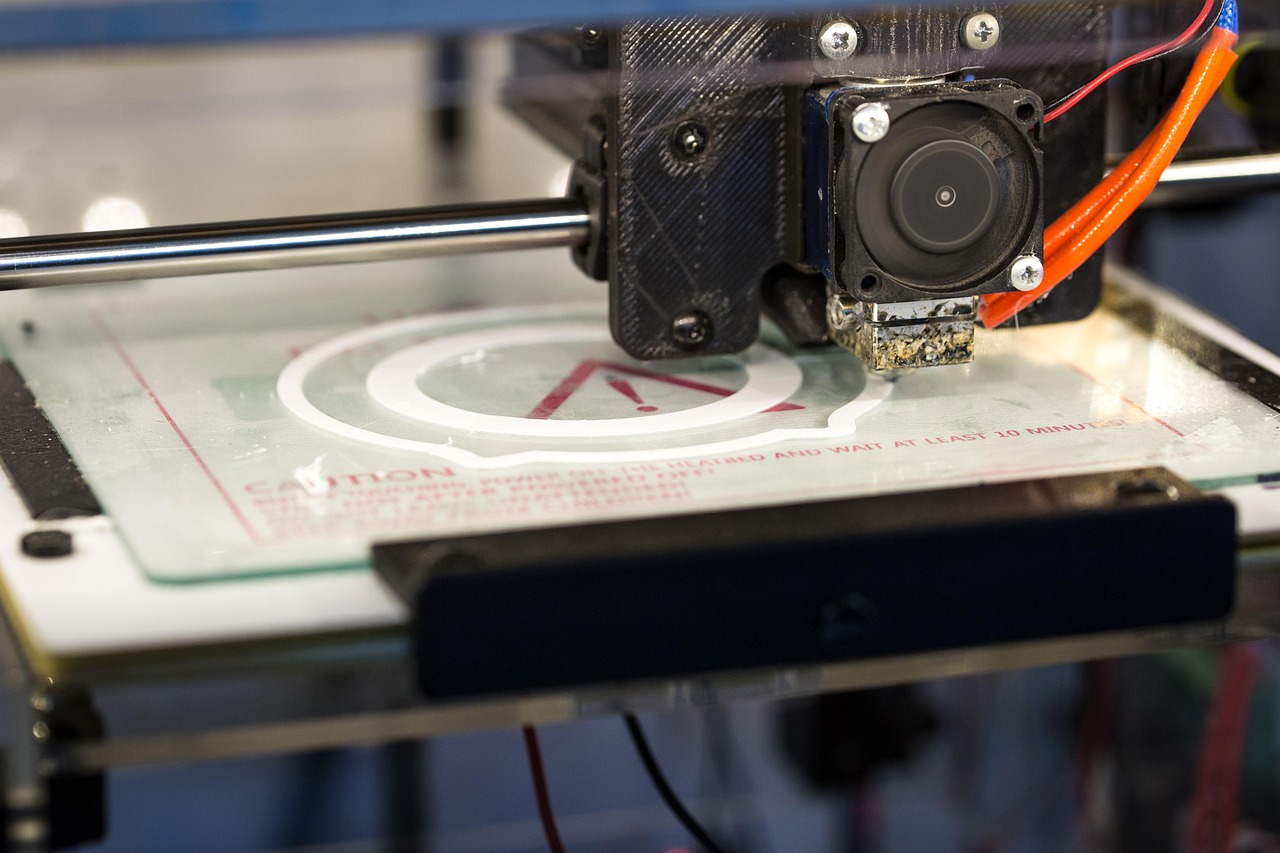
Robert Murray-Smith is exploring a groundbreaking 3D printer kinematic system, leveraging a friction-based polar design to eliminate gear backlash. This innovative approach utilizes a round bed driven through a friction interface – effectively a polar 3D printer – but without the inherent issues of traditional gears. However, friction drives are prone to slipping, necessitating closed-loop control for precise positioning. Murray-Smith’s ingenious solution involves using an Arduino and a standard PS/2 optical mouse as a highly accessible sensor. Understanding 3D Printer Kinematics is crucial for optimizing print quality and reliability.
Understanding Closed-Loop Control
The core principle behind this design revolves around the distinction between open-loop and closed-loop control systems. Open-loop systems rely solely on pre-programmed commands, assuming accurate execution without feedback. Conversely, closed-loop systems incorporate sensors to continuously monitor system position and make corrections as needed. This provides far greater accuracy and robustness, particularly in dynamic environments like 3D printing. The ability to dynamically adjust movement based on sensor input is fundamental to achieving complex shapes and minimizing errors – a key aspect of mastering 3D Printer Kinematics.
Utilizing a PS/2 Mouse Sensor
Murray-Smith’s approach cleverly utilizes the inherent capabilities of an optical mouse sensor. These sensors rapidly compare images of a small area, translating pixel movements into precise distance measurements – hundreds or even thousands of times per second. This data stream provides a granular understanding of the system’s position. The key to this implementation lies in utilizing a PS/2 mouse due to its simpler interface compared to USB mice. Utilizing a lower-bandwidth connection reduces computational load on the Arduino, making it suitable for real-time control.
Arduino Implementation and the Arduino-PS2-Mouse-Handler Library
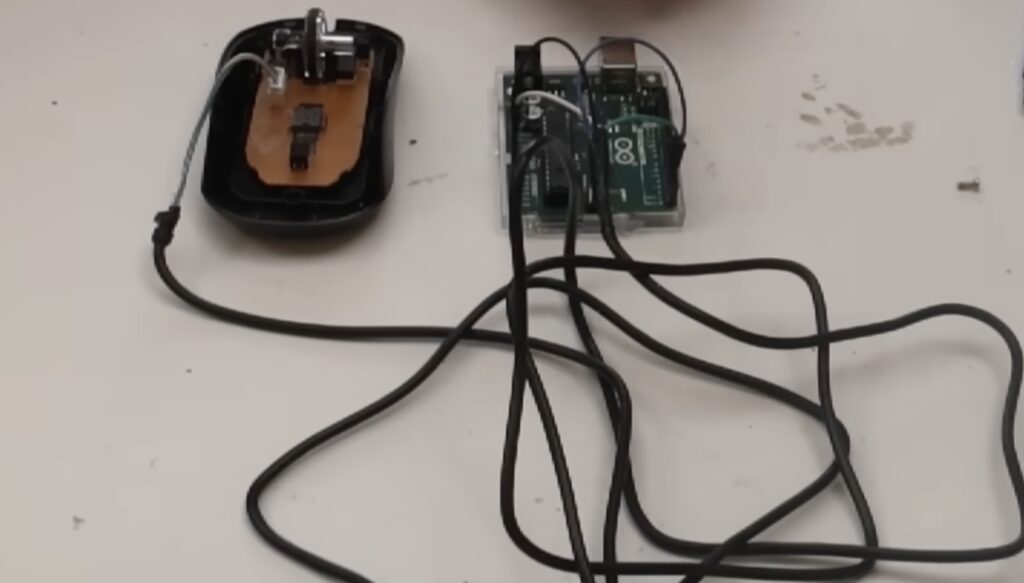
To capture the sensor data, Murray-Smith connected an Arduino UNO Rev3 board to the PS/2 mouse. Only two additional pins were required—one for data transmission and one for the clock signal – a remarkably straightforward setup. The Arduino-PS2-Mouse-Handler library, developed by Bob Grant, significantly simplified the process of parsing this incoming data and displaying it as X/Y coordinate changes via serial communication. This library allows users to easily translate the raw pixel data into usable positional information. The combination of the Arduino’s processing power and this dedicated library makes implementing closed-loop control surprisingly accessible.
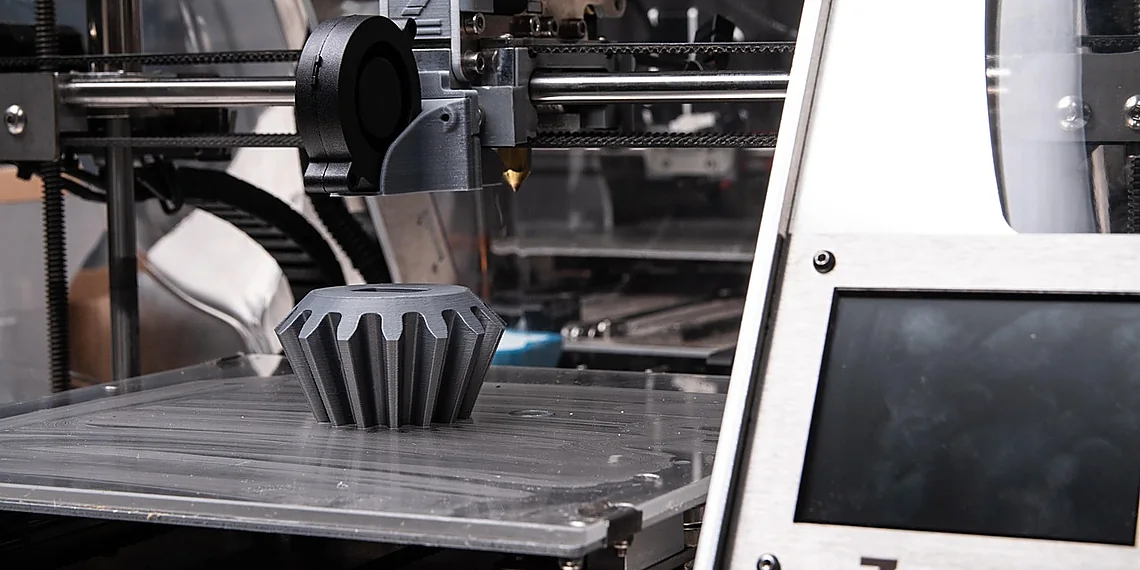
This innovative system demonstrates a practical and cost-effective method for achieving closed-loop control in 3D printing, offering a compelling solution for experimentation and development. It highlights the potential of repurposing existing hardware – like a standard PS/2 mouse – to create sophisticated kinematic systems. Therefore, the application of sensor technologies within 3D printer design is continually evolving.
The post This novel 3D printer kinematic system uses a mouse sensor for closed-loop control appeared first on Arduino Blog.
Source: Read the original article here.
Discover more tech insights on ByteTrending.
Discover more from ByteTrending
Subscribe to get the latest posts sent to your email.