


Paint.NET is one of my favorite image editing tools. It ticks all the boxes for me and my limited range of skills and requirements for an image editing tool.
While Paint.NET comes with a great set of features out-of-the-box, its true power lies in the extensive plugin ecosystem. These Paint.NET plugins extend functionality far beyond what’s initially available, allowing you to perform complex edits quickly and easily. Over the years, I’ve found myself relying on several key plugins; here’s my list of essential Paint.NET plugins that every user should consider installing.
1. PhotoFill: Intelligent Object Removal
Ever needed to remove an unwanted object from a photo but dreaded the tedious process of cloning and patching? PhotoFill is your savior! This plugin intelligently fills in areas you select, seamlessly blending them with the surrounding pixels. It uses content-aware fill technology – similar to Photoshop’s Content Aware Fill – which makes removing distractions remarkably easy. Furthermore, it significantly reduces editing time.

The results are often astonishingly good, especially for simple background removals or eliminating small imperfections. While it’s not a replacement for manual editing in complex situations, PhotoFill significantly speeds up the process and delivers impressive results most of the time. In addition, its ease of use makes it accessible to users of all skill levels.
Understanding Content-Aware Fill
Content-aware fill technology analyzes the surrounding pixels and intelligently generates new content to seamlessly replace the selected area. Consequently, PhotoFill can often produce remarkably realistic results with minimal effort. However, complex scenes may require manual adjustments for optimal blending.
Benefits of Using PhotoFill
- Reduces editing time
- Simplifies object removal
- Provides impressive results
2. Selective Color: Creative Color Adjustments
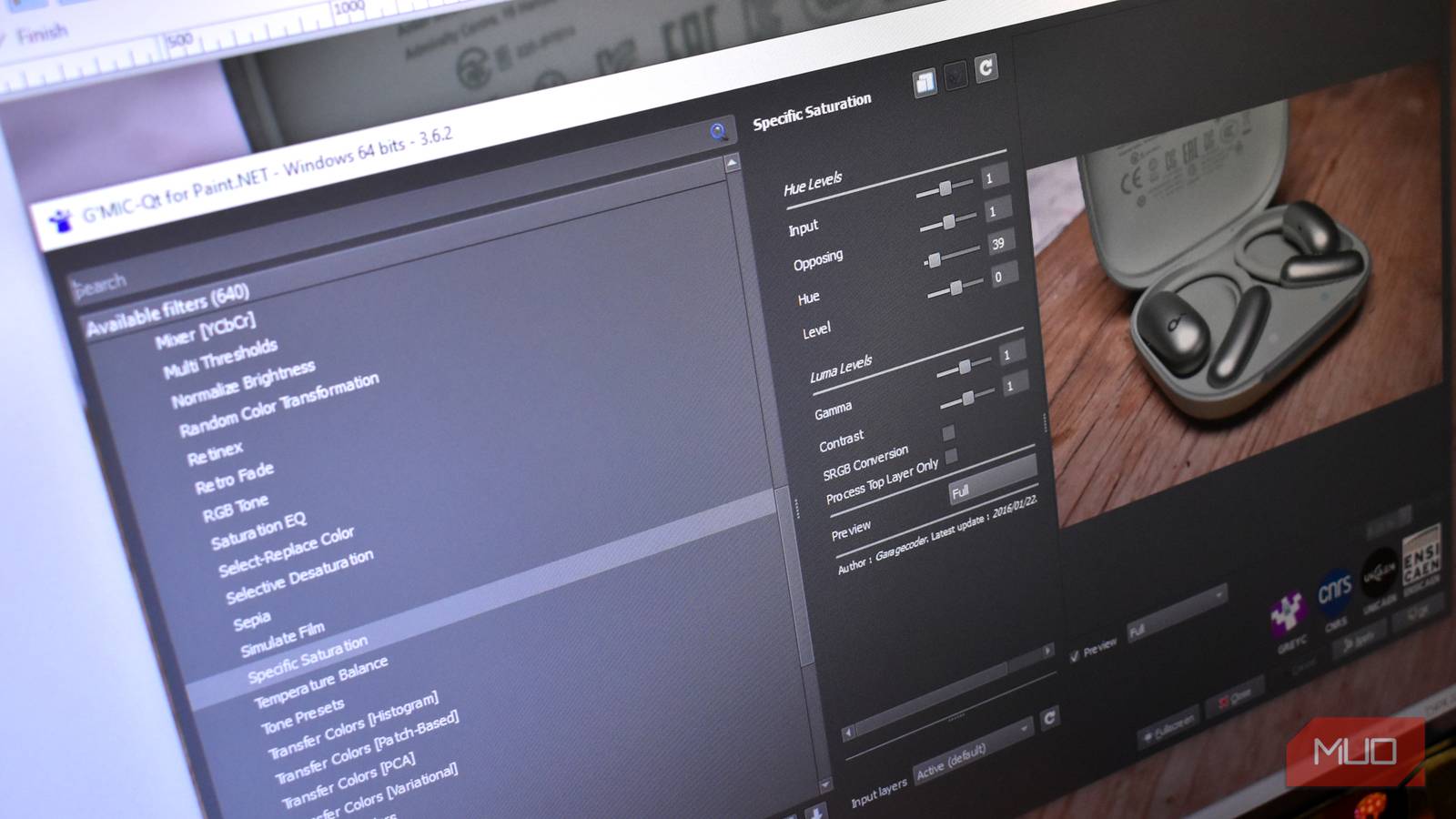
Want to give your photos a unique look? The Selective Color plugin lets you adjust the hue, saturation, and lightness of specific color ranges within an image. This provides far more control than standard color correction tools. You can isolate blues for a dramatic sky effect, or boost reds in flowers for a vibrant pop. Therefore, this plugin opens up a new world of creative possibilities.

The possibilities are endless, allowing for artistic color grading and creative adjustments that can completely transform the mood of your images. For example, you could create a vintage look by desaturating certain colors while boosting others.
Exploring Color Ranges
Selective Color allows users to isolate specific color ranges, such as reds, blues, greens, or yellows. Subsequently, adjustments made to one range do not affect the others, enabling precise and targeted edits. Consequently, achieving complex color effects becomes much easier.
Advanced Techniques with Selective Color
Beyond basic color correction, Selective Color can be used for advanced techniques such as creating split toning or mimicking film stocks. On the other hand, overuse of this plugin can lead to unnatural-looking results; therefore, moderation is key.
3. SIMP Plugins: A Suite of Useful Tools
SIMP plugins is not a single plugin but a collection of tools designed to enhance Paint.NET’s capabilities. This bundle includes numerous utilities, such as:
- Text Tool Improvements: More font options and advanced text formatting controls.
- Gradient Tools: Enhanced gradient creation and editing features.
- Shape Tools: Expanded shape library with improved customization options.
The SIMP plugins are a fantastic all-around upgrade, adding many useful functionalities that are missing from the base Paint.NET installation. Moreover, they’re easy to install and configure.
4. Blur Master: Easy Gaussian and Lens Blur
Blur Master simplifies applying blur effects in Paint.NET. It offers several blurring methods, including Gaussian blur and lens blur, with adjustable parameters for precise control. The plugin makes it incredibly simple to achieve professional-looking blurs for backgrounds, portraits (bokeh effect), or creative artistic purposes. Therefore, achieving a shallow depth of field is now easier than ever.

You can quickly create depth of field effects or soften distracting details with just a few clicks. Notably, adjusting the intensity and radius allows for fine-grained control over the blur effect.
5. QuickFX: Instant Filters and Effects
For users who want to experiment with different looks without diving deep into complex settings, QuickFX is invaluable. This plugin provides a selection of pre-defined filters and effects that can be applied instantly with a single click. It’s perfect for quickly testing various styles or finding inspiration. As a result, even beginners can achieve impressive results.
Conclusion
These are just a few of the many excellent Paint.NET plugins available. Installing these essential tools will significantly expand your image editing capabilities and make your workflow more efficient. Don’t be afraid to explore the Paint.NET plugin community – you’re bound to discover even more useful additions that cater specifically to your needs and preferences.
Source: Read the original article here.
Discover more tech insights on ByteTrending.
Discover more from ByteTrending
Subscribe to get the latest posts sent to your email.