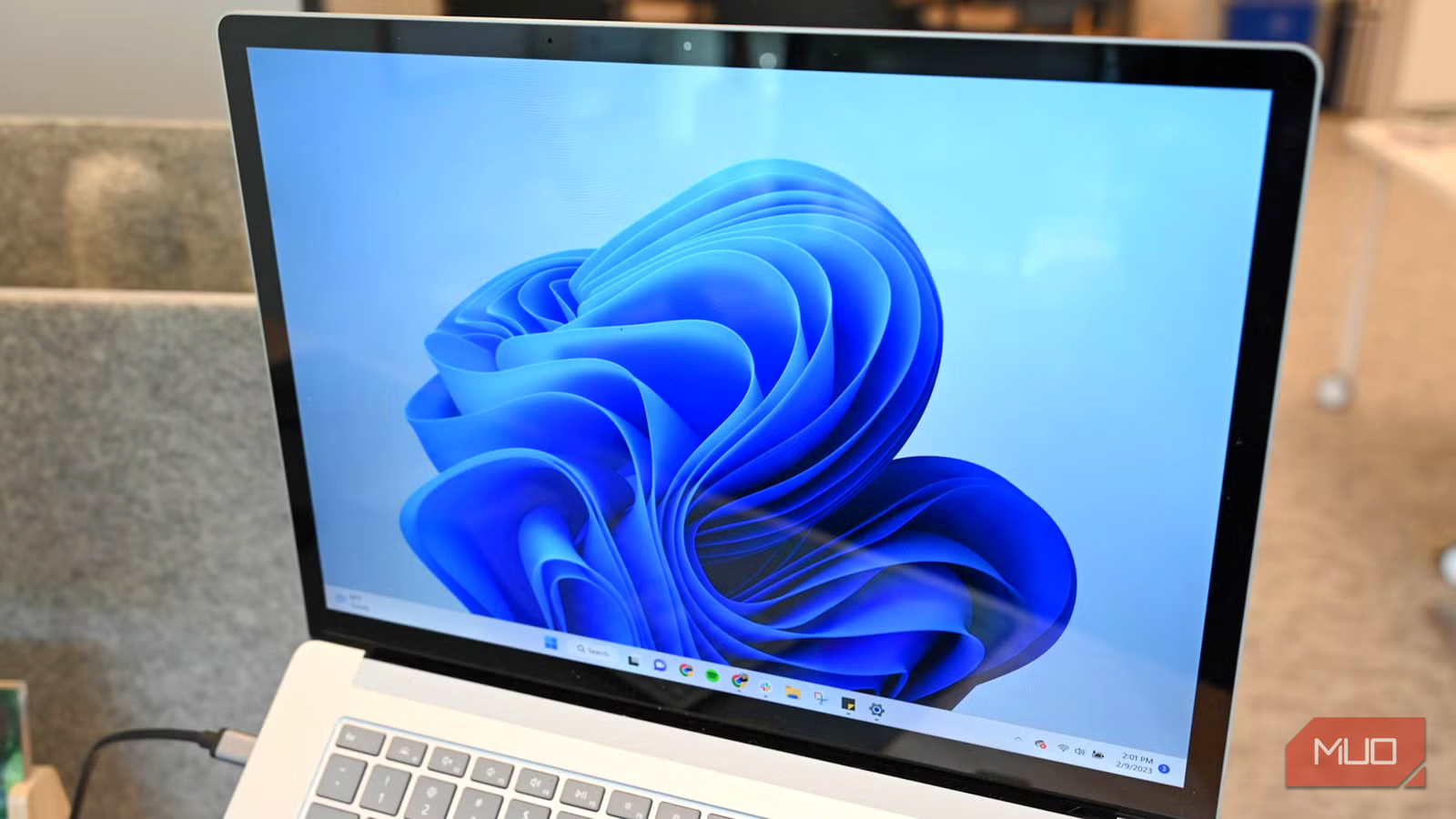



With Windows 10 reaching its end of life on October 14, 2025, the focus has shifted squarely to Windows 11. While Microsoft initially presented it as a significant upgrade, offering a modernized user interface and enhanced security, many users have found the reality falls short of that initial promise. The transition from Windows 10 has been bumpy, prompting considerable discussion about its usability and overall value.
The Initial Vision: What Was Promised for Windows 11
When Windows 11 was first unveiled, it generated significant excitement. Microsoft presented a redesigned operating system with a focus on aesthetics and ease of use. The rounded corners, the revamped Start menu, and the centered taskbar were intended to create a fresh, modern feel, drawing inspiration from macOS’s clean design. Early previews showcased subtle animations and a generally smoother visual experience compared to its predecessor, leading many to anticipate a substantial improvement.
Design Philosophy & Aesthetic Changes
The initial design language of Windows 11 prioritized simplicity and elegance. However, this emphasis on aesthetics sometimes came at the expense of functionality, as we’ll explore later. Microsoft aimed to create a more intuitive interface through visual cues and streamlined navigation; furthermore, the rounded corners and translucent effects were intended to provide a sense of depth and sophistication.
Anticipation & Early Impressions
Initially, the reception to Windows 11 was largely positive. Many users appreciated the fresh look and felt it brought a much-needed update to the Windows ecosystem. However, as more people began using the operating system regularly, concerns about usability and performance started to surface.
Navigating the Challenges: Usability Concerns in Windows 11
Despite its visual appeal, many users have expressed frustration with the usability of Windows 11. The design choices, while intended to be improvements, often create a less efficient workflow for established Windows users. Consequently, these seemingly minor changes collectively diminish overall user satisfaction.
Taskbar Limitations & Customization
One of the most common complaints revolves around the taskbar’s limited customization options. Unlike Windows 10, dragging icons to reposition them is disabled, significantly restricting users’ ability to personalize their workspace. Moreover, the centered taskbar can feel less efficient for those accustomed to its traditional left-aligned position; therefore, this change impacts workflow efficiency.
The Redesigned Start Menu
The simplified Start menu in Windows 11 lacks the tile-based interface that many users found helpful for quick access to frequently used apps. This removal has been a point of contention, as it forces users to navigate through more layers to find what they need. In addition, the new design prioritizes cloud-connected services over local files.
Context Menu Changes & Added Complexity
The integration of context menus with a “Show more options” button adds an unnecessary layer of complexity for common tasks. This change forces users to click through additional steps to perform actions they previously accomplished directly; as a result, it slows down everyday computer use.
Beyond the Interface: Performance and Feature Deficiencies
While Microsoft promised improved performance with Windows 11, real-world results have often been less impressive. Many users report experiencing sluggishness and resource management issues that detract from the overall experience. Similarly, certain features were removed or altered in ways that diminished functionality.
Performance Bottlenecks & Background Processes
Several users have reported increased CPU and memory usage by background processes within Windows 11, which can negatively impact system performance. These background tasks often consume valuable resources even when they’re not actively being used; therefore, this impacts responsiveness.
Gaming Performance & Optimization
Initial reports suggested potential gaming performance regressions in some titles following the Windows 11 launch. Microsoft has since worked to address these issues through driver updates and optimizations, but concerns persist among gamers who rely on peak performance.
Missing Features & User Frustration
The removal or alteration of features previously available in Windows 10 has been another source of frustration. For example, the ability to ungroup icons on the desktop was initially removed, sparking considerable user backlash before being reinstated later. This demonstrates a disconnect between Microsoft’s design choices and user expectations.
The Road Ahead: Can Windows 11 Regain User Trust?
Microsoft continues to release updates and improvements for Windows 11, attempting to address user feedback and refine the operating system. The future of the platform hinges on Microsoft’s ability to prioritize usability and performance while retaining essential functionality. Ultimately, success will depend on actively listening to its user base and adapting accordingly.
Source: Read the original article here.
Discover more tech insights on ByteTrending.
Discover more from ByteTrending
Subscribe to get the latest posts sent to your email.