


Experiencing a frustrating soundbar cutting out? Don’t rush to replace it just yet! A soundbar intermittently losing connection can be incredibly disruptive, but often has easily resolvable causes. This guide explores common reasons why your soundbar might be dropping audio and provides practical solutions you can try at home. Addressing these issues is a much simpler and more cost-effective alternative to purchasing new equipment.
Understanding the Root of Your Soundbar’s Problems
A soundbar cutting out can stem from various sources, ranging from simple connection errors to more complex interference issues. Identifying the underlying cause is crucial for achieving a lasting fix. Several factors frequently contribute to this frustrating problem, including wireless interference, HDMI compatibility concerns, power fluctuations, and even temporary software glitches.
1. Inspecting Your Connections: Cables are Key
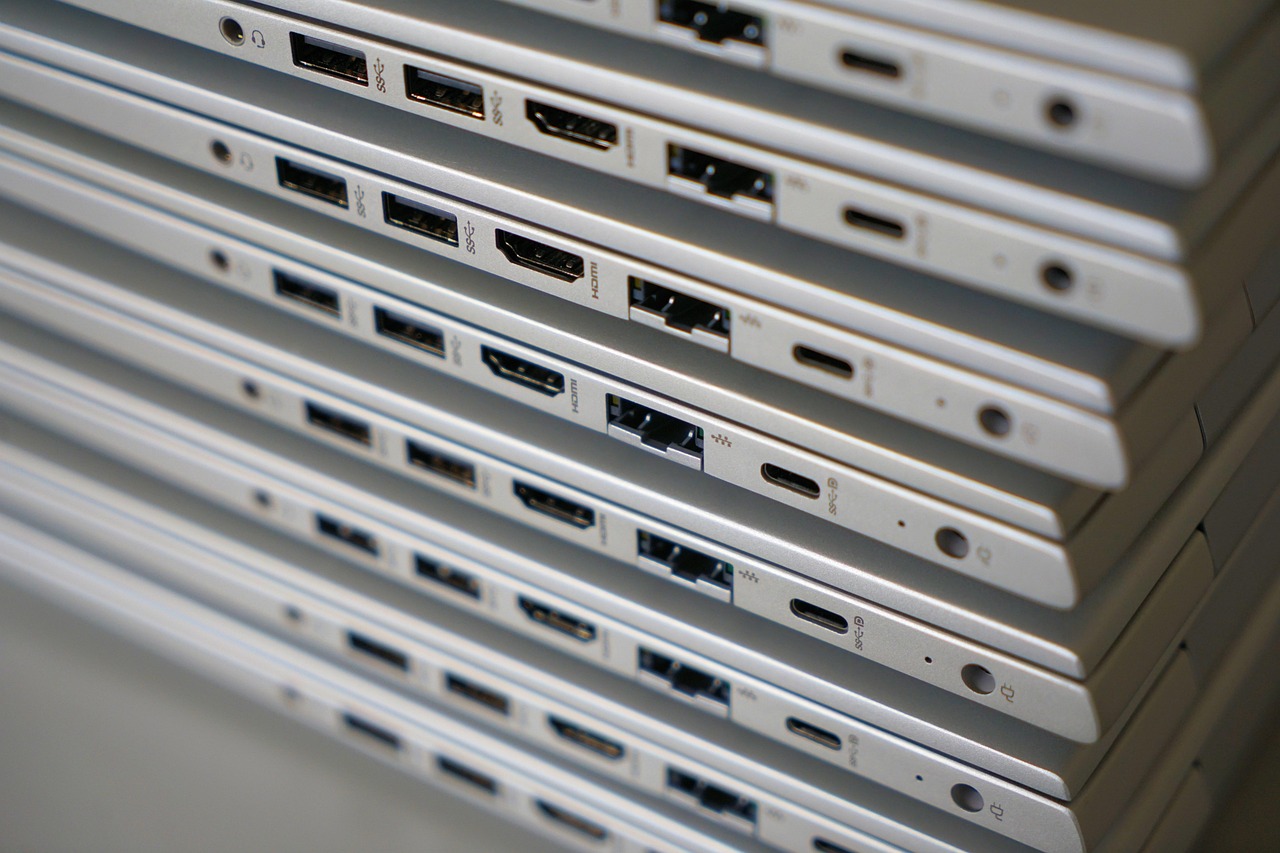
The most frequent culprit behind soundbar dropouts is often a simple connection issue. Ensure all cables—both HDMI and optical—are firmly plugged into both your TV and the soundbar. It’s worth trying different HDMI cables, as a faulty cable can intermittently lose signal strength. Furthermore, if you’re utilizing an HDMI ARC (Audio Return Channel) or eARC connection, verify that this setting is enabled within your television’s audio settings; some TVs require manual activation.
2. Wireless Interference: Wi-Fi and Bluetooth
Wireless devices like routers and Bluetooth speakers can often interfere with a soundbar’s signal reception, particularly when operating on the same 2.4 GHz frequency band. To mitigate this, consider relocating your router further away from the soundbar or experimenting with different Wi-Fi channels. Similarly, if you’re streaming audio via Bluetooth, try moving other nearby Bluetooth devices farther apart, or temporarily disable them to see if it resolves the issue.

3. Power Supply and Electrical Considerations
Fluctuations in your home’s electrical supply can occasionally trigger soundbar malfunctions. To protect against this, plugging both your TV and the soundbar into a surge protector or power conditioner is recommended. This provides stabilization of voltage and safeguards against spikes that could be disrupting the audio signal.
- Surge Protector: Provides protection against sudden voltage spikes.
- Power Conditioner: Filters electrical noise to deliver cleaner, more stable power.
4. Firmware Updates and System Resets
Manufacturers frequently release firmware updates designed to address bugs and enhance performance. Check the soundbar manufacturer’s website or dedicated app (if one exists) for any available updates. Furthermore, performing a simple reset can often resolve temporary software glitches; consult your soundbar’s user manual for specific instructions on how to execute a factory reset.
5. HDMI-CEC: Potential Conflicts
HDMI-CEC (Consumer Electronics Control) facilitates devices connected via HDMI to control each other, offering convenience. However, it can sometimes lead to conflicts and cause intermittent soundbar dropouts. As a troubleshooting step, try disabling HDMI-CEC within your TV’s settings.
6. Compatibility Concerns with Your Television
Older television models may occasionally lack full compatibility with newer soundbar models, particularly when utilizing ARC or eARC features. To ensure seamless operation, consult both the TV and soundbar manuals to confirm compatibility between these devices.
Conclusion: Restoring Seamless Audio
Dealing with a constantly cutting-out soundbar can be frustrating, but it’s often preventable through systematic troubleshooting. By methodically working through these steps—from verifying cable connections to updating firmware—you’ll likely restore your home theater experience without incurring the expense of replacing equipment. Remember to carefully document any changes you make so that you can easily revert them if needed.
Source: Read the original article here.
Discover more tech insights on ByteTrending.
Discover more from ByteTrending
Subscribe to get the latest posts sent to your email.