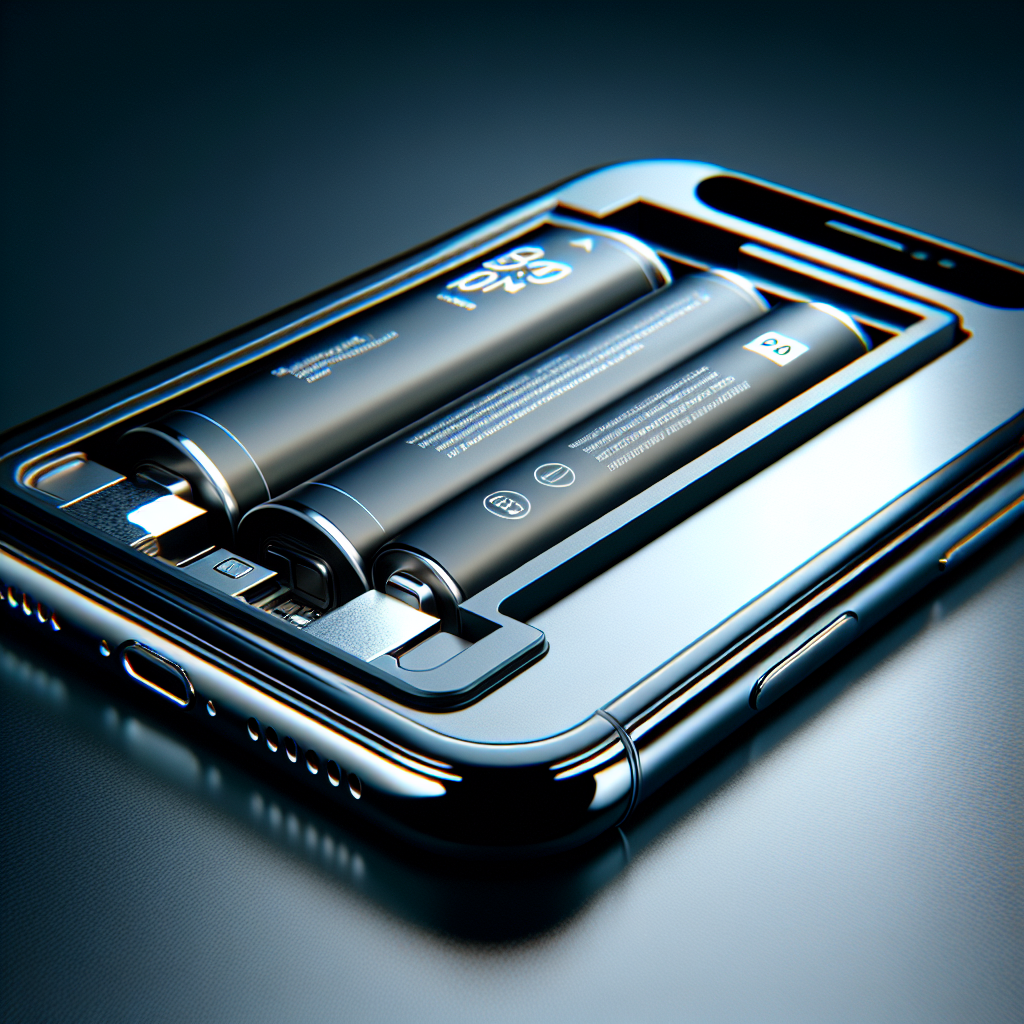


Understanding Your iPhone Battery Drain
Experiencing a rapidly depleting iPhone battery can be incredibly frustrating, especially when you wake up to find it significantly drained overnight. Fortunately, this is a common issue with many potential causes, and often solvable with some investigation and simple adjustments. This article will delve into the most frequent culprits behind overnight iPhone battery drain and provide practical solutions to optimize your device’s power consumption.
Common Culprits Behind Overnight iPhone Battery Drain
Background App Refresh: A Major Power Consumer
One of the most significant contributors to unexpected overnight iPhone battery drain is often Background App Refresh. This convenient feature allows apps to update their content even when you’re not actively using them, but it comes at a cost – namely, your precious power reserves. For example, social media platforms and news applications frequently use this function which can lead to substantial battery usage.
- Checking Background App Refresh: You can easily check the status of this feature by navigating to Settings > General > Background App Refresh.
- Solutions for Mitigation: While disabling Background App Refresh entirely might seem tempting, it’s not always ideal as it limits some app functionality. Instead, consider selectively turning it off for apps that are known battery hogs. This allows you to balance convenience with power savings.

Location Services: Tracking Your Every Move
Many apps request access to your location data, frequently justifying this with promises of personalized services. However, constant tracking, even when you’re not actively using the app, can significantly impact your iPhone battery life. It’s therefore critical to review these permissions regularly.
- Reviewing Location Services: To check which apps have location access, go to Settings > Privacy & Security > Location Services.
- Optimizing Permissions: Carefully consider the necessity of each app’s location access. Change permissions to “While Using the App” or, if not needed at all, select
Source: Read the original article here.
Discover more tech insights on ByteTrending.
Discover more from ByteTrending
Subscribe to get the latest posts sent to your email.