
Related Post

– See How to Boost Your Soundbar’s Vocal Clarity”, “
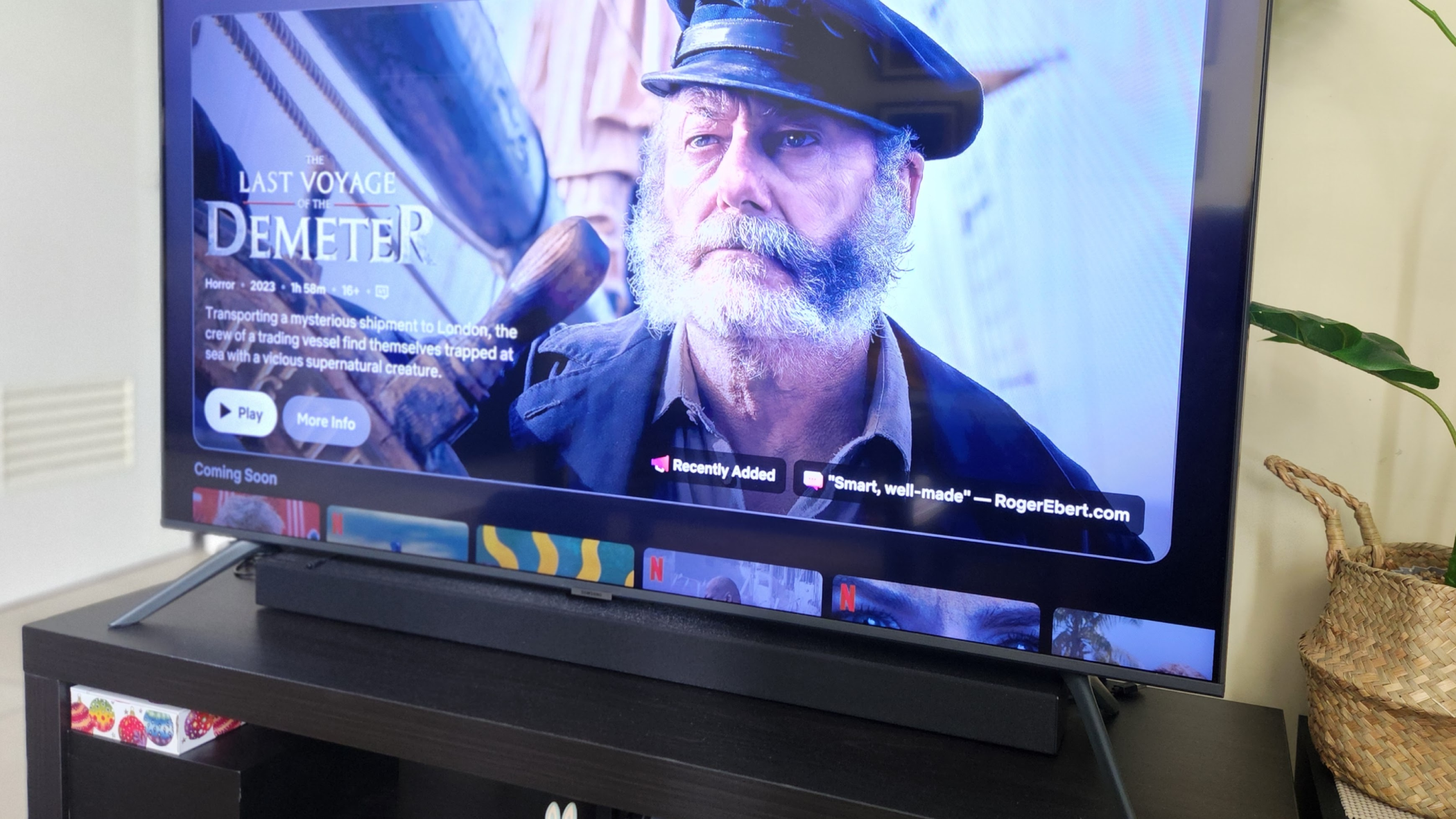
My soundbar was easy to install, but it required some tweaking to achieve perfect vocal clarity. Subtitles had become my default for everything I watched. Dialogue was always muffled and buried under music and effects. It took one overlooked toggle on my soundbar to fix it.
”
“
Soundbars are fantastic additions to any home theater setup, offering a convenient way to elevate your audio experience. However, many users struggle with a common problem: muddy dialogue. Whether you’re enjoying a blockbuster movie or a gripping TV series, the voices can often get lost in the mix of bass and surround effects. Fortunately, improving soundbar dialogue clarity is surprisingly simple. With just a few adjustments to your settings, you can dramatically enhance the intelligibility of conversations and truly immerse yourself in your favorite content.
”
“
Understanding Dialogue Clarity Issues
”, “
Several factors contribute to poor dialogue clarity on soundbars. Firstly, most soundbars are designed with a broad frequency response, which means they attempt to reproduce all audio frequencies equally. This can lead to vocals being blended into the overall soundscape, making them difficult to distinguish. Secondly, many soundbars lack dedicated processing for speech – something that’s crucial for clear dialogue reproduction. Finally, improper placement of your soundbar can exacerbate these issues, particularly if it’s too close to walls or corners.
”
“
Key Settings to Optimize
”, “
Let’s dive into the specific settings you should adjust to improve dialogue clarity:
- Dialogue Enhancement: This setting, often found on Sony, Yamaha, and other soundbars, specifically boosts the frequencies associated with human speech. Enable this feature for a noticeable improvement in vocal clarity.
- Night Mode: Many soundbars offer a ‘Night Mode’ or similar function that adjusts the EQ to compensate for quieter scenes. This mode often prioritizes dialogue by boosting mid-range frequencies.
- Center Channel Level: The center channel is primarily responsible for delivering dialogue. Increasing its level can significantly improve vocal clarity, especially in movies with prominent conversations. However, be careful not to overdo it, as this could also amplify other sounds.
- EQ Customization: Most soundbars allow you to customize the EQ settings. Experiment with adjusting the mid-range frequencies to find a balance that enhances dialogue without sacrificing bass or surround effects.
- HDMI ARC/eARC Settings: Ensure your HDMI cable is properly connected and that the audio output format in your receiver or TV is set to ‘Auto’ or ‘Passthrough’. This will allow the soundbar to receive the highest quality audio signal possible.
”
“
Tips for Soundbar Placement
”, “
Beyond adjusting settings, proper placement can make a significant difference. Try these tips:
- Avoid Corners: Placing your soundbar in a corner will cause the bass frequencies to build up and muddy the dialogue.
- Center Your Soundbar: Position your soundbar directly in front of your TV for optimal soundstage imaging.
- Experiment with Distance: Adjusting the distance between your soundbar and your listening position can also affect clarity.
”
“
Conclusion
”, “
Improving dialogue clarity on your soundbar doesn’t require a complicated setup or expensive equipment. By understanding the factors that contribute to poor vocal reproduction and making a few simple adjustments to your settings, you can dramatically enhance your viewing experience. Don’t settle for muffled conversations – take control of your audio and enjoy crystal-clear dialogue in every movie and show!
Source: Read the original article here.
Discover more tech insights on ByteTrending.
Discover more from ByteTrending
Subscribe to get the latest posts sent to your email.