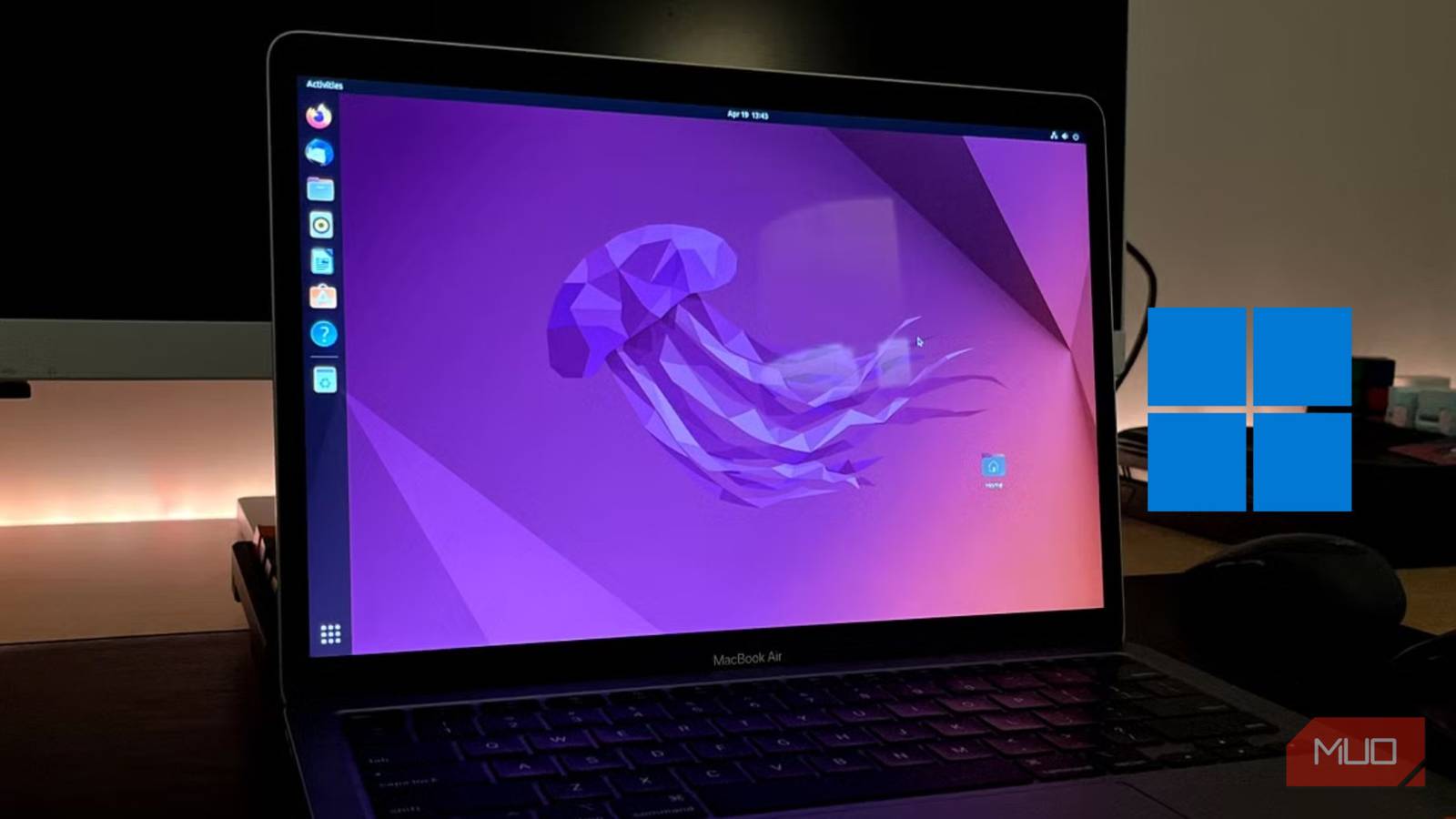


When I dipped my toe into Linux, there was a lot of trial and error; it took me years to learn to avoid certain Linux mistakes. However, after many years of using the platform, I’ve developed several habits that have also found their way into my Windows usage. I find it interesting that I view Windows quite differently from how I did before I started using Linux.
Embracing Keyboard Shortcuts
One of the first things you learn when starting with Linux is to use keyboard shortcuts—it’s simply faster and more efficient than relying on a mouse. This habit quickly translated to my Windows workflow. Now, instead of clicking through menus or using the taskbar for everything, I rely heavily on keyboard shortcuts like Win + Tab for switching between applications, Alt + Tab for window management, and others for common tasks. It’s drastically reduced the time it takes me to navigate my desktop. Furthermore, learning these shortcuts has improved overall computer efficiency.
Customization is Key
Linux distributions are known for their flexibility and customization options. From choosing your desktop environment (DE) to tweaking themes and fonts, the level of control is unmatched. This mindset shifted how I approach Windows too. While not as extensive as Linux, Windows 10 and 11 offer a surprising amount of personalization. Now, I actively customize my taskbar, start menu, and even use third-party tools for more advanced tweaks. It’s about making the OS feel like *mine*. Consequently, this approach fosters a greater sense of ownership over your computing environment.
The Power of the Command Line
Linux’s command line interface (CLI) is a powerful tool for automating tasks, managing files, and troubleshooting problems. Initially intimidated, I gradually started incorporating it into my workflow. While I don’t use the Windows PowerShell or Command Prompt as extensively as I would in Linux, I do leverage them for specific tasks like batch renaming files, automating repetitive processes through scripts, and quickly accessing system information. It’s a reminder that there are often faster and more efficient ways to accomplish things than clicking around with a GUI. In addition, this skill is transferable across various operating systems.
File Management Philosophy
In Linux, you have much more control over where your files reside, and understanding the filesystem hierarchy is essential. This led me to adopt a more structured approach to file management in Windows. I’ve created a clear folder system for organizing documents, media, and projects—a far cry from the chaotic desktop of my pre-Linux days. Utilizing cloud storage services with Linux taught me about versioning and backups too; I now religiously back up important data. Therefore, this habit ensures data security and prevents potential loss.
Conclusion: A Better Windows Experience
Borrowing habits from Linux hasn’t transformed Windows into a Linux clone, but it has significantly improved my overall experience. The increased efficiency, customization options, and the mindset of problem-solving through alternative methods have made me a more productive and engaged user. It’s proven that concepts can transcend operating systems and make you a better computer user regardless of your platform of choice.
Source: Read the original article here.
Discover more tech insights on ByteTrending.
Discover more from ByteTrending
Subscribe to get the latest posts sent to your email.