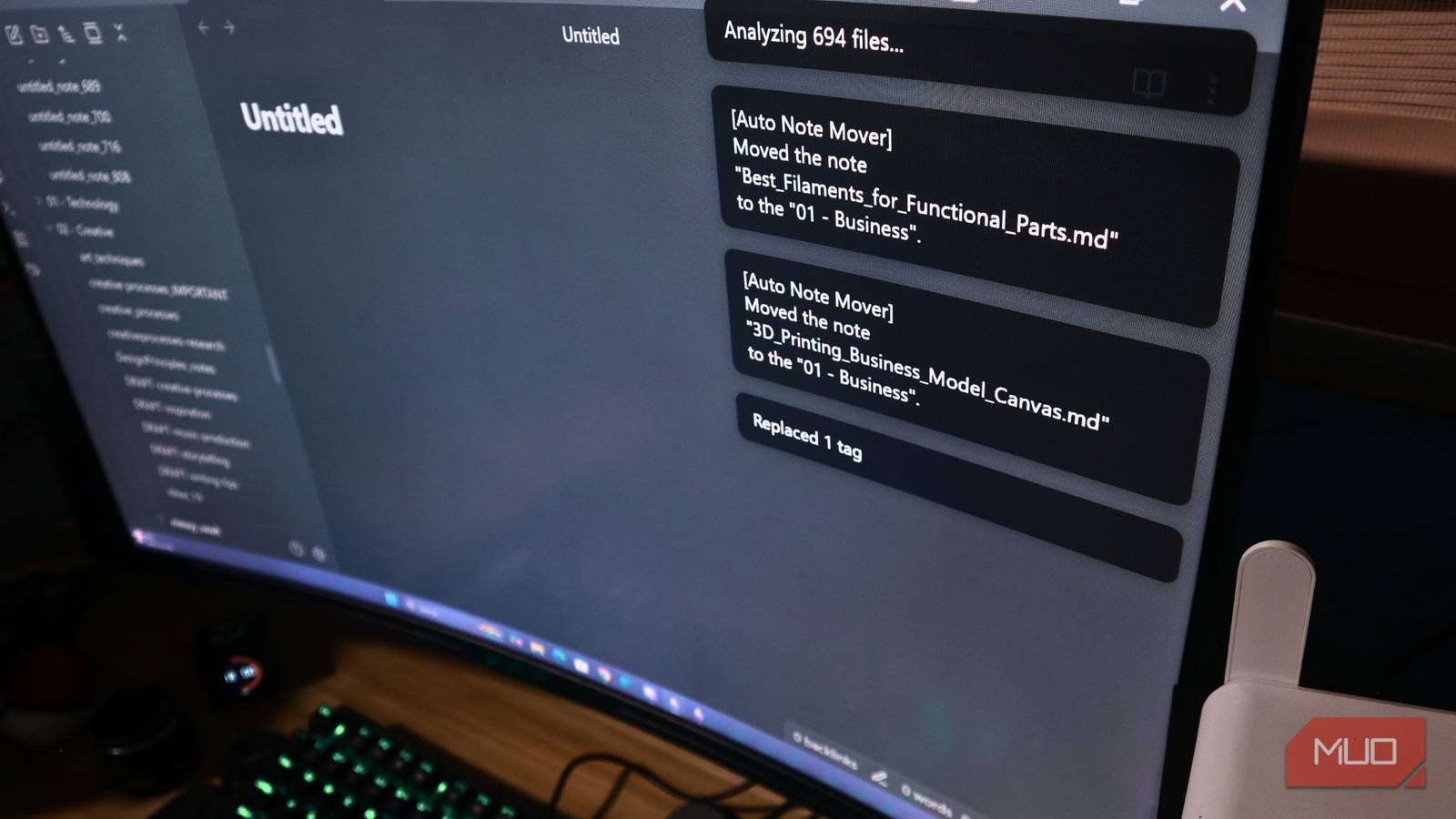



Many Obsidian users begin their journey with a carefully crafted system of folders and tags, ensuring every note finds its place. However, as life gets busier, those meticulously maintained organizational habits often fall by the wayside. Notes start accumulating in random locations, tags become inconsistent, and that once-pristine vault can quickly devolve into a digital labyrinth. Using a local LLM to organize my Obsidian vault has transformed this experience, providing a powerful solution for managing even the most chaotic note collections.
Understanding the Challenge: Obsidian Vault Disorganization
My own Obsidian vault unfortunately succumbed to this common fate. Hundreds of notes, spanning coding projects, personal reflections, and everything in between, were scattered across folders with inconsistent tagging. Consequently, finding specific information became a frustrating and time-consuming process. The sheer volume of content made manual organization seem overwhelming, particularly given the continuous influx of new knowledge.
Why Consider Local Large Language Models?
Large Language Models (LLMs) offer an intriguing potential solution to this problem. While cloud-based LLM options exist, I prioritized a local approach for enhanced privacy and offline accessibility. Tools like LM Studio have made running models locally increasingly accessible. The core idea was simple: leverage an LLM’s linguistic understanding to automatically categorize and tag my notes, streamlining the Obsidian experience.
The Workflow: Prompt Engineering for Obsidian Organization
Here’s a breakdown of the process I followed to automate organization within my Obsidian vault. It began with experimentation and iterative refinement.
Selecting the Right LLM & Crafting Effective Prompts
Initially, I selected a smaller but capable local LLM using LM Studio. Prompt engineering proved crucial; crafting prompts that effectively guided the model was essential for achieving accurate results. My initial attempts started with simple prompts like, “Categorize this note and suggest relevant tags.” However, these yielded inconsistent outcomes. Subsequently, I refined my approach by incorporating more context about my vault’s structure and desired tagging conventions. For example, a more complex prompt might read: “You are an expert Obsidian note organizer specializing in personal knowledge management. This is a system for managing information on software development, writing, and productivity. Categorize the following note and suggest 3-5 relevant tags.”
Iterative Refinement and Feedback Loops
The initial outputs weren’t flawless, so I continuously adjusted the prompts based on the LLM’s suggestions. Providing example notes with correctly assigned categories significantly helped the model learn my organizational preferences and improve its accuracy in categorizing new content within Obsidian.
To illustrate, consider this note:
Note: "The importance of consistent code formatting in Python projects. Consistent code formatting improves readability, reduces errors, and simplifies collaboration. Tools like Black can automate the process."A possible LLM output (Example):
Category: Code Quality
Tags: python, formatting, styleguide, bestpractices
Results, Challenges, and Mitigation Strategies
The results were surprisingly positive! The LLM accurately categorized most notes and suggested relevant tags. Furthermore, it identified patterns I had previously overlooked and proposed new categories that expanded the structure of my vault. However, several challenges arose during this process.
- Ambiguity: Some notes covered multiple topics, necessitating manual intervention to select the optimal category for inclusion in Obsidian.
- Prompt Sensitivity: The LLM’s output demonstrated a high sensitivity to prompt wording; even minor alterations could significantly impact categorization accuracy.
- Computational Requirements: Running a local LLM demands adequate RAM and processing power, with larger models requiring greater resources.
To address these challenges, I implemented a hybrid workflow where the LLM proposed categories and tags, which I then reviewed and approved before applying them to my Obsidian vault. This ensured accuracy and maintained control over the organization process.
The Evolving Landscape of Knowledge Management with Obsidian
Leveraging a local LLM to organize my Obsidian vault has been transformative. It’s freed up valuable time and mental energy that would otherwise be spent on manual organization, allowing me to concentrate on creating new knowledge within the system. This approach underscores the potential of AI to augment our personal knowledge management systems and enhance the utility of tools like Obsidian. As local LLMs continue to evolve in power and accessibility, we can anticipate even greater automation and intelligence in how we organize and retrieve information.
While not a perfect solution, this workflow provides a practical approach for tackling the chaos that commonly accumulates within digital note-taking systems. It represents an exciting glimpse into the future of personal knowledge management, where AI acts as our intelligent organizational assistant, ultimately improving the Obsidian experience.
Source: Read the original article here.
Discover more tech insights on ByteTrending.
Discover more from ByteTrending
Subscribe to get the latest posts sent to your email.