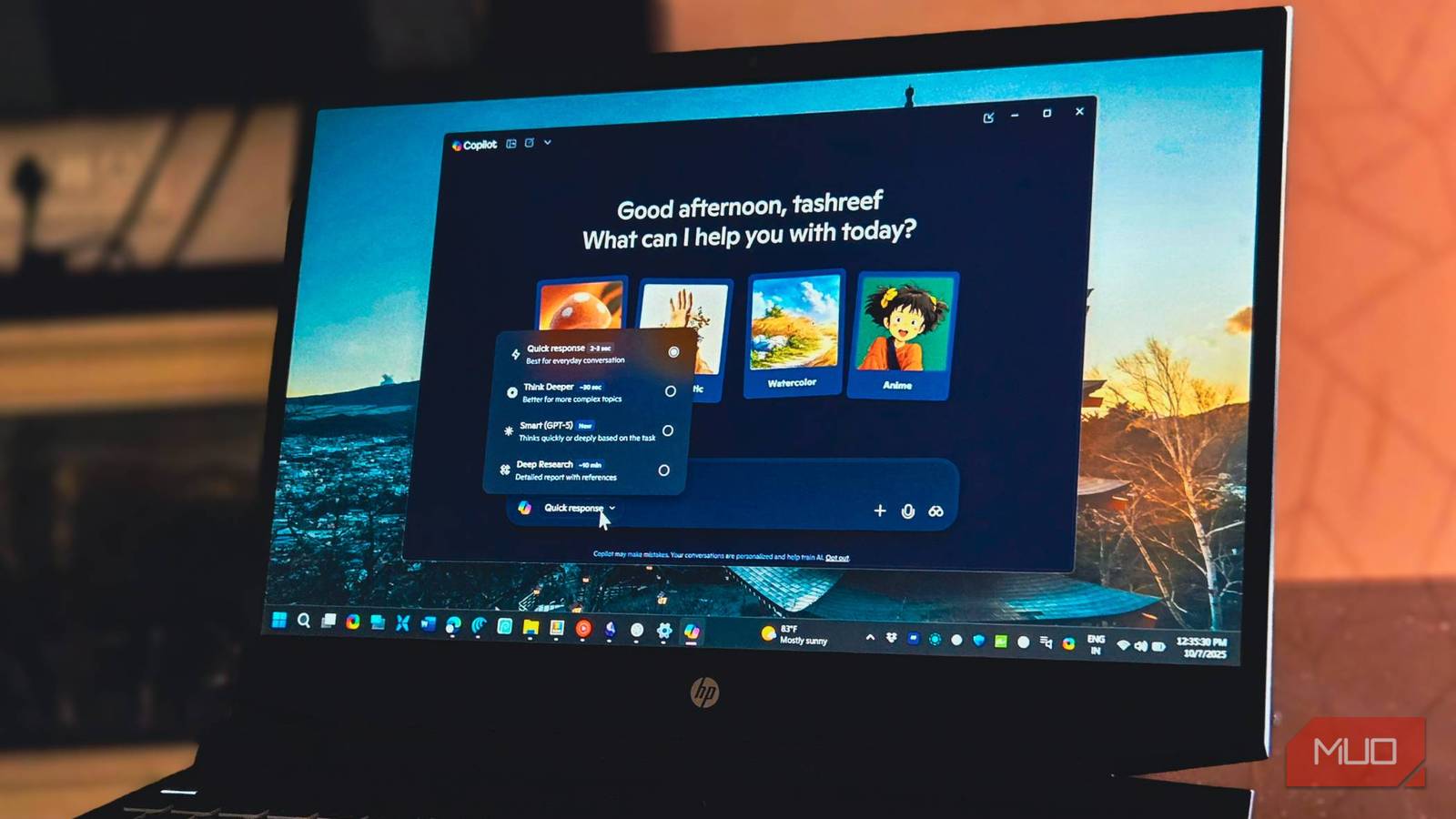



Microsoft’s recent additions to Windows 11, such as the Recall feature and AI integration within classic applications like MS Paint and Notepad, have sparked considerable debate. While these innovations might generate excitement for investors, many users perceive them as bloat on an already complex operating system. Ultimately, addressing fundamental issues and prioritizing user needs is crucial for a successful Windows 11 experience.
Addressing Core Functionality: Prioritizing User Needs
Microsoft’s current development trajectory seems to prioritize flashy features over core functionality. Consequently, many users find themselves frustrated by persistent issues that hinder their daily workflows. While innovation is undoubtedly important, it shouldn’t overshadow the need for a stable, reliable, and intuitive operating system. Improvements to foundational aspects of Windows 11 are what most users desire before embracing more complex additions.
The Persistent Pain Points of File Explorer
File Explorer continues to be a significant source of frustration for numerous Windows users. The ribbon interface, in particular, often feels cumbersome and confusing compared to the simplicity of a classic taskbar experience, especially when managing large numbers of files. Furthermore, while search functionality has improved over previous iterations, it still falls short in terms of precision and speed. For example, locating specific files can be time-consuming due to slow indexing.
- Restoring Taskbar Customization: A more customizable taskbar, reminiscent of earlier Windows versions, would greatly enhance user control and efficiency.
- Improving Search Capabilities: Faster indexing and the implementation of more granular filtering options are essential for a streamlined file management experience.
- Simplifying the Ribbon Interface: Streamlining the ribbon or offering an option to revert to a traditional view would significantly improve usability, particularly for less experienced users.

The Frustrating Redesign of the Context Menu
The redesigned context menu, introduced with good intentions – decluttering right-click options and presenting common actions upfront– has inadvertently created a new set of problems for many Windows 11 users. The implementation is often slow and frustrating; the delay in loading the expanded “Show more options” submenu can significantly impact workflow, causing considerable annoyance. Consequently, this feature needs substantial optimization to provide a seamless user experience.
The context menu’s performance desperately requires significant optimization.Virtual Desktops: Unleashing Untapped Potential
While Windows 11’s virtual desktop feature holds considerable potential, it remains underutilized and lacks seamless integration into the overall user experience. Switching between desktops can be cumbersome, and the absence of clear visual cues makes efficient workspace management difficult. A more streamlined and intuitive approach is crucial for users who rely on virtualization to enhance their productivity; therefore, Microsoft should prioritize improvements in this area.
- Enhancing Task View: Improving the task view interface with better organization and labeling options would greatly improve usability.
- Introducing Desktop Grouping: Allowing users to group virtual desktops based on projects or tasks would offer a significant boost to organizational capabilities.
- Providing Visual Customization Options: Offering more flexibility in customizing the appearance of each desktop, such as unique wallpapers and color schemes, would improve personalization and workflow efficiency.
Beyond Core Functionality: Listening to User Feedback
Microsoft should actively solicit and respond to user feedback through various channels, including forums, social media platforms, and surveys. This approach is vital for identifying pain points and prioritizing improvements effectively. The current strategy seems more focused on dictating features rather than genuinely listening to what users desire; consequently, a shift in focus is essential for enhancing the overall Windows 11 user experience.

Ultimately, prioritizing stability and performance will lead to a more successful operating system than continuously adding superficial features. Addressing these core concerns will cultivate a more positive perception of Windows 11 among users. Moreover, focusing on the user’s needs is key for creating a truly valuable and reliable computing experience.
Source: Read the original article here.
Discover more tech insights on ByteTrending.
Discover more from ByteTrending
Subscribe to get the latest posts sent to your email.