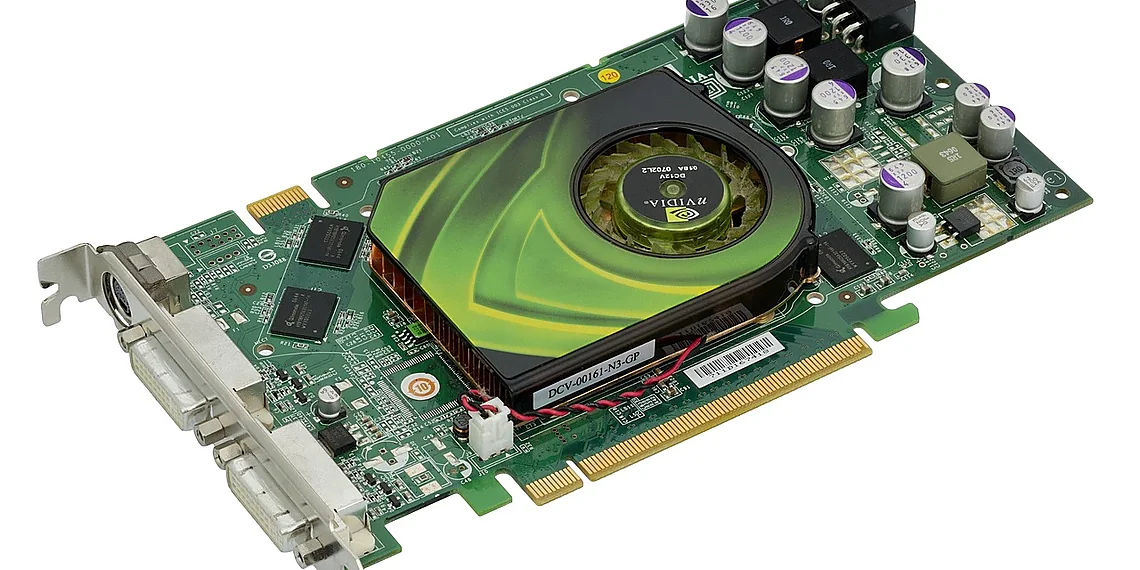



Accelerating Machine Learning with cuML
Machine learning projects frequently demand substantial computational resources, especially when dealing with large datasets and intricate models. The conventional CPU-based processing often represents a significant bottleneck, extending training times considerably. NVIDIA’s RAPIDS suite addresses this challenge head-on with cuML (CUDA Machine Learning), a library designed to bring machine learning algorithms to the GPU for accelerated performance. Essentially, cuML allows you to harness the power of GPUs to significantly speed up your workflows.
Importantly, cuML isn’t intended as a direct replacement for established Python ML libraries like scikit-learn or TensorFlow. Instead, it provides optimized, GPU-accelerated implementations of commonly used algorithms. This means you can enjoy faster training and inference speeds without the need to fundamentally rewrite your existing code – offering a relatively seamless integration process.
Understanding the Advantages of cuML
Why Choose GPU Acceleration with cuML?
The benefits of using cuML are compelling. Firstly, it delivers remarkable speed gains compared to CPU-based implementations; training times can be dramatically reduced. Secondly, it offers superior scalability, enabling efficient handling of large datasets and complex models that would otherwise overwhelm a CPU. Furthermore, cuML integrates smoothly with existing Python ML workflows using familiar libraries like scikit-learn and pandas, minimizing disruption. Finally, the library boasts relatively straightforward adoption, making it accessible to developers of varying skill levels.
Key Features and Capabilities
Beyond just speed, cuML offers a suite of features designed for efficient machine learning. For example, its GPU-accelerated algorithms allow for faster exploration of model parameters and quicker iteration cycles during development. Moreover, the ability to process larger datasets in memory leads to more comprehensive models with improved accuracy. As a result, data scientists can spend less time waiting and more time experimenting and refining their solutions.
Getting Started: A Hands-On Introduction to cuML
Installation and Setup
To begin leveraging the power of cuML, you’ll need to install it as part of the RAPIDS suite. The recommended method is typically through conda, a popular package manager for Python environments. You can use the following command to install:
conda install -c rapidsai rapids-cumlIt’s crucial to ensure that you have a compatible NVIDIA GPU driver installed alongside RAPIDS and cuML to unlock its full potential.
A Basic K-Means Clustering Example
Let’s illustrate cuML with a simple example: k-means clustering. We will generate some random data and then apply the cuML implementation of k-means for faster processing:
import numpy as np
from cuml.cluster import KMeans

data = np.random.rand(1000, 2)
kmeans = KMeans(n_clusters=3, n_init='auto')
kmeans.fit(data)
predictions = kmeans.predict(data)
print(predictions)
This simple snippet demonstrates how easily you can integrate cuML into your existing Python code.
Benchmarking and Performance Comparison
The true value of cuML becomes apparent when comparing its performance against CPU-based alternatives like scikit-learn. Running the same k-means algorithm with both approaches reveals a significant time difference, especially as dataset size increases. The magnitude of this speedup depends on your GPU model and the specifics of your data; however, the improvement is generally substantial.
Exploring Further: Beyond K-Means
The cuML library extends far beyond k-means clustering, offering a growing collection of optimized algorithms for various machine learning tasks. Some notable examples include:
| Algorithm | Type |
|---|---|
| Linear Regression | Regression |
| Elastic Net | Regression |
| Decision Trees | Classification |
| Random Forests | Classification |
| Logistic Regression | Classification |
| Mini-Batch K-Means | Clustering |
The cuML documentation provides a detailed overview of all available algorithms and their specific implementations.
Important Considerations When Using cuML
While cuML offers significant advantages, it’s vital to be aware of certain considerations. Data transfer between the CPU and GPU can become a bottleneck; therefore, minimizing this by keeping as much of your workflow on the GPU is key. Furthermore, not all algorithms are currently available within cuML, although its capabilities are constantly expanding. Finally, using cuML requires an NVIDIA GPU with CUDA support.
Conclusion: Unleashing the Power of GPUs for Machine Learning
In conclusion, cuML provides a powerful solution for accelerating machine learning workflows by leveraging the parallel processing capabilities of GPUs. By incorporating RAPIDS and cuML into your projects, you can dramatically reduce training times and enhance the scalability of your models. While hardware requirements and algorithm availability are factors to consider, the substantial performance gains often make it an invaluable tool for tackling computationally intensive ML tasks.
Source: Read the original article here.
Discover more from ByteTrending
Subscribe to get the latest posts sent to your email.