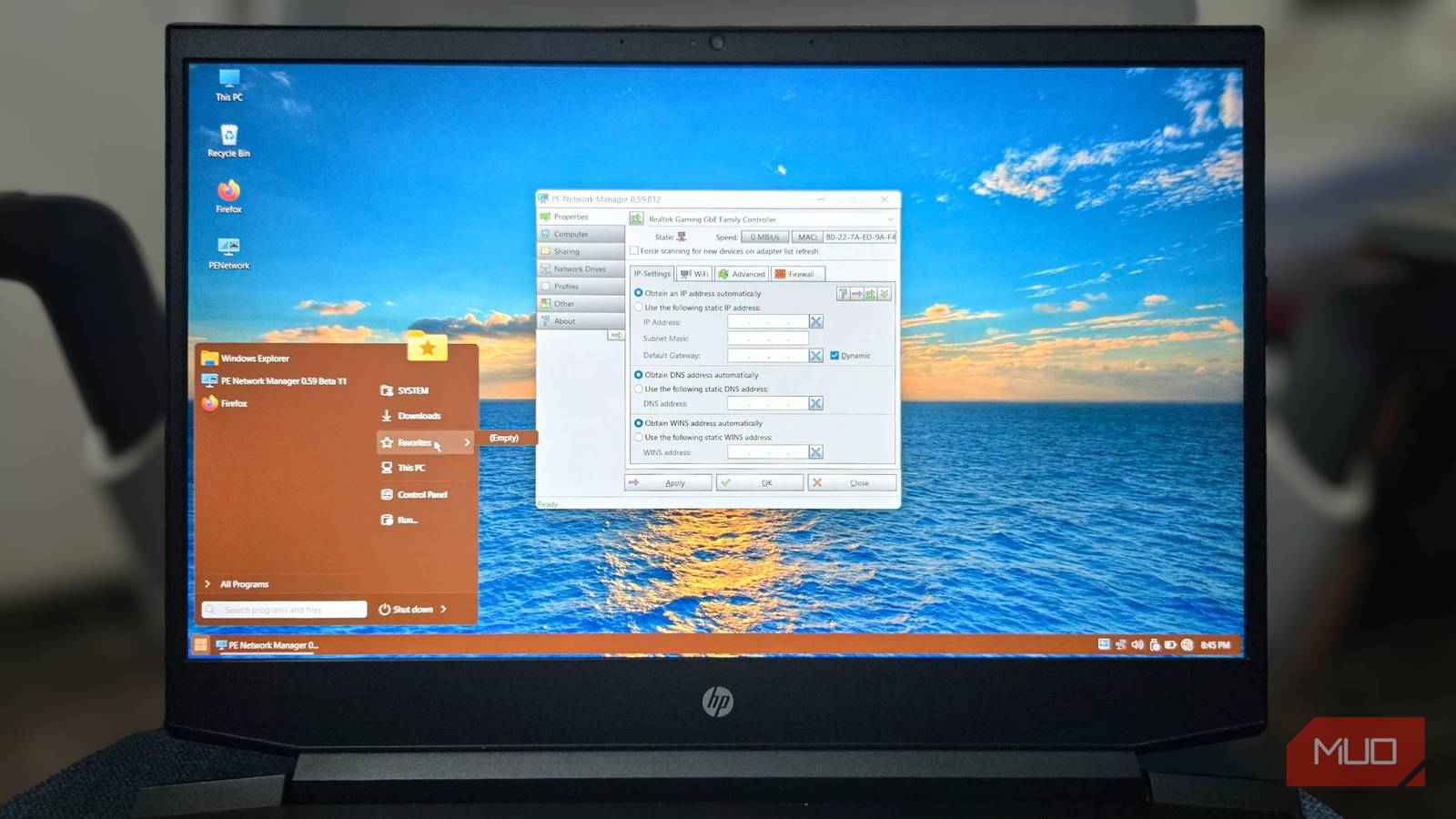


Windows provides a range of useful diagnostic tools to address various PC problems. However, imagine consolidating these tools into a single, easily accessible USB drive – a truly portable solution. Instead of managing multiple recovery disks or struggling to find specific utilities when needed, I’ve created just that: a bootable USB rescue media packed with essential diagnostics, password reset capabilities, virus scanners, disk backup software, and performance benchmark tools. This diagnostic usb drive offers unparalleled convenience for both novice users and experienced technicians.
Why Build a Portable Diagnostic USB?
The primary advantage of this project lies in its portability and ease of use. Consider troubleshooting a friend’s computer or addressing an issue on a client’s machine; carrying several physical disks is simply impractical. A single, lightweight USB drive elegantly solves that problem. Furthermore, having these tools readily available eliminates reliance on internet connectivity for diagnostics—a significant benefit when working in remote locations. For example, you can quickly troubleshoot network issues without needing to connect to an external server.
Beyond convenience, this approach also grants a level of control and standardization. You carefully select the tools needed, ensuring compatibility and consistency across different systems. Additionally, it provides an excellent learning experience for anyone interested in system administration or PC repair; understanding how these diagnostics work can be invaluable.
Setting Up a Bootable Environment
Creating a portable diagnostic usb involves more than just copying files onto a USB drive. It requires setting up a bootable environment, which allows the computer to start directly from the USB without loading the operating system. This process typically involves using tools like Rufus or similar software to create a bootable image on the USB drive.
Benefits for Professionals
For IT professionals and technicians, a portable diagnostic usb is an indispensable tool. It streamlines troubleshooting workflows, especially when dealing with multiple machines or remote locations where internet access might be limited. Moreover, it allows for consistent diagnostics across different systems, ensuring reliable results.
Tools & Setup – What’s Included?

The contents of my diagnostic usb drive are carefully selected to cover a wide range of common issues. Here’s a breakdown:
- Password Reset Tools: Including tools like Lazesoft Recovery Suite, enabling recovery from forgotten Windows passwords.
- Antivirus Scanners: A portable version of Malwarebytes and Kaspersky Rescue Disk for scanning and removing malware without booting into the main operating system.
- Disk Cloning & Backup Software: EaseUS Todo Backup Free is an excellent option for creating full or incremental backups of critical data, allowing for quick restoration in case of drive failure.
- Benchmark Utilities: CrystalDiskMark and Cinebench R23 to assess disk performance and system stability under load. This helps identify potential hardware bottlenecks.
- Memory Diagnostic Tools: Windows Memory Diagnostic is built-in, but Memtest86+ offers more comprehensive memory testing capabilities.
- System Information & Diagnostics: Hiren’s BootCD PE includes a vast collection of diagnostic tools, providing detailed system information and troubleshooting utilities.
The process involves creating a bootable USB drive using Rufus or similar software. Subsequently, you manually copy the portable versions of each tool onto the drive. Crucially, setting the boot order in the BIOS to prioritize the USB drive is essential for booting into the rescue environment.
Open Source & Customization
A key element of this project’s appeal is its open-source nature. The configuration files and a detailed guide on creating your own diagnostic usb are available on GitHub (link provided in the original article). This enables others to replicate, modify, and customize the drive to suit their specific needs. For instance, you could add custom scripts or tools tailored to particular hardware configurations.
# Example command for Rufus (adjust settings as needed) The open-source nature also fosters community contributions, leading to continuous improvements and the addition of new tools. This collaborative approach ensures that the diagnostic USB remains a valuable resource for PC enthusiasts and professionals alike; consequently, its utility only increases over time.
Conclusion: Your Pocket-Sized Troubleshooting Kit
Building a portable PC diagnostic usb drive is a surprisingly rewarding project. It’s a practical solution for troubleshooting on the go, offering convenience, control, and a wealth of diagnostic tools at your fingertips. The open-source nature allows for customization and community collaboration, ensuring its continued relevance in the ever-evolving world of PC technology. This isn’t just a USB drive; it’s a pocket-sized troubleshooting kit ready to tackle any system issue that comes your way.
Source: Read the original article here.
Discover more from ByteTrending
Subscribe to get the latest posts sent to your email.