
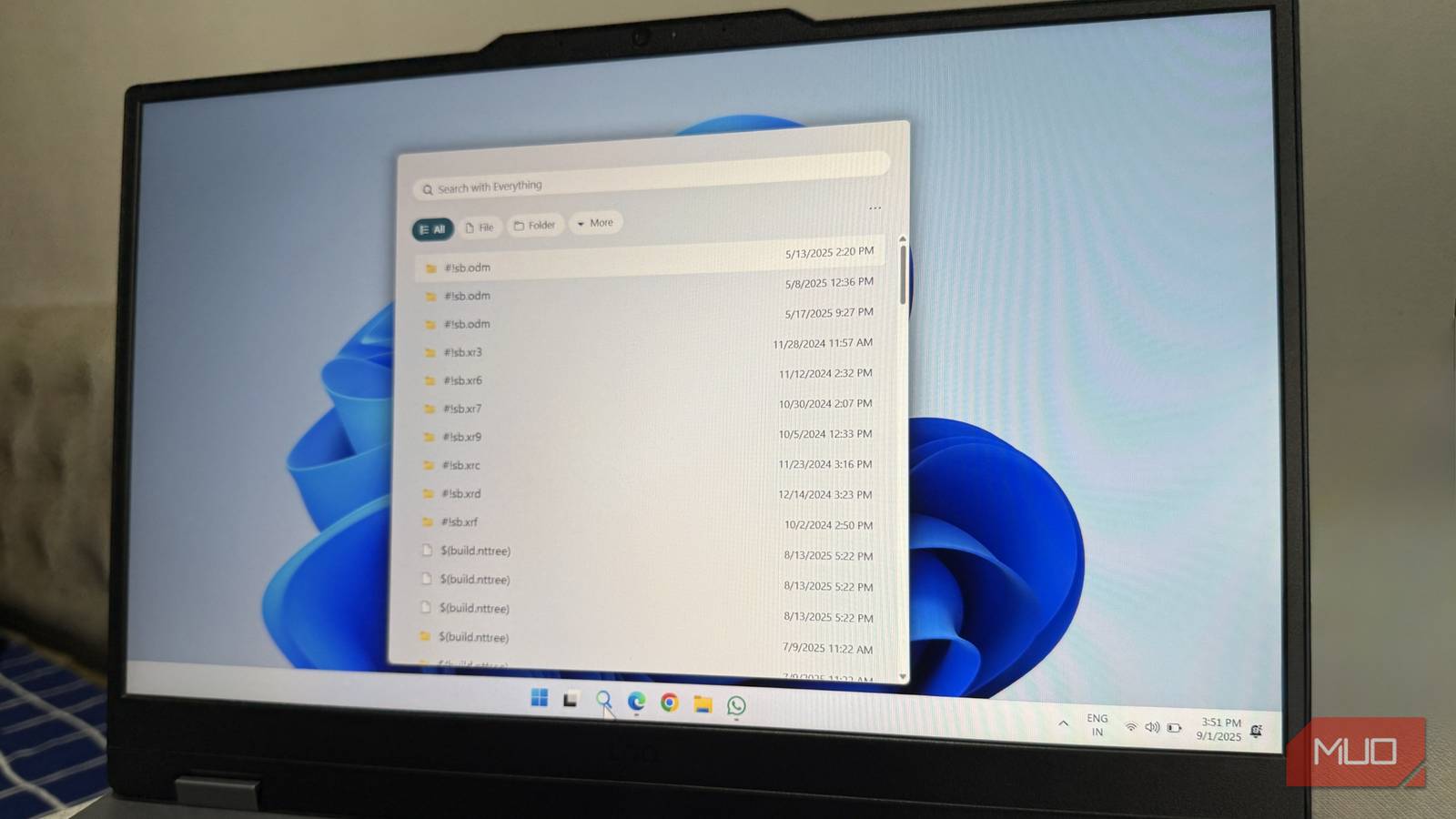

In today’s fast-paced digital landscape, the ability to quickly and efficiently locate information is paramount. Many Windows users have long expressed frustration with the built-in search functionality, often finding it slow and inaccurate. Fortunately, there’s a free and powerful solution available: Everything. This utility transforms searching for files into a remarkably quick and painless experience, allowing you to tackle everything more efficiently.
The Challenges of Windows Search
For years, users have voiced concerns regarding the performance of Windows’ native search capabilities. It frequently suffers from sluggishness, inaccuracies, and a generally frustrating user experience. The indexing process is notoriously slow to catch up with newly created files, meaning recent documents are often missing from search results. Furthermore, the interface feels dated and cumbersome compared to modern applications.
The fundamental problem lies in Windows Search’s reliance on a complex indexing system that consumes significant resources and introduces delays. This contrasts sharply with alternatives like Everything, which adopts a fundamentally different approach to achieving rapid file retrieval. Consequently, many find searching for everything to be an exercise in patience.
Introducing Everything: A Superior Search Solution
Everything is a lightweight and free utility that indexes files using a simple database. Unlike Windows Search’s resource-intensive indexing process, it scans the file system directly and creates an index based on filenames. This methodology results in incredibly fast search speeds – often delivering near-instantaneous results. The speed at which you can access everything is truly impressive.

Key Features and Advantages
- Speed: Searches are virtually instantaneous, regardless of the size of your hard drive or the number of files contained within it.
- Simplicity: The user interface is clean and intuitive, prioritizing search functionality above all else.
- Lightweight Design: It utilizes minimal system resources, ensuring a negligible impact on overall performance.
- Customization Options: While maintaining its simplicity, Everything provides some customization options to tailor the search experience to your specific needs, such as choosing which drives to index and adjusting other settings.
- Free and Open Source: The application is completely free to use and open source, fostering transparency and community support. This allows you to do everything without any cost.

The core appeal of Everything is its uncomplicated nature. Complex filters or advanced search operators are unnecessary for basic file finding; simply type a few characters, and relevant results appear almost immediately. It’s an incredibly efficient way to access everything.
Getting Started with Everything
- Download & Installation: Download the application from VoidTools. The installation process is straightforward and requires minimal user intervention.
- Initial Indexing: Upon initial launch, Everything will begin indexing your drives. This process may take a few minutes depending on the size of your hard drive.
- Performing Searches: Simply enter the filename (or a portion of it) into the search bar to initiate a search; results appear almost instantly.
- Exploring Customization Options: Access the settings menu to configure which drives are indexed, adjust the appearance, and fine-tune other preferences.
It’s important to note that while Everything excels at finding files by name, it does not search within file contents; for that functionality, you would still need Windows Search or another specialized tool.
Conclusion: A Valuable Addition to Any Windows System
If you’re experiencing frustration with the sluggish and unreliable nature of Windows Search, Everything offers a remarkable solution. Its speed, simplicity, and minimal resource consumption make it an indispensable utility for any Windows user seeking to streamline their file searching workflow. It’s free, easy to use, and delivers results that are significantly superior to the default search functionality – empowering you to find everything with ease.
Switching to Everything has dramatically improved my productivity; I wholeheartedly recommend giving it a try. You’ll likely wonder how you ever managed without it!
Source: Read the original article here.
Discover more tech insights on ByteTrending.
Discover more from ByteTrending
Subscribe to get the latest posts sent to your email.








