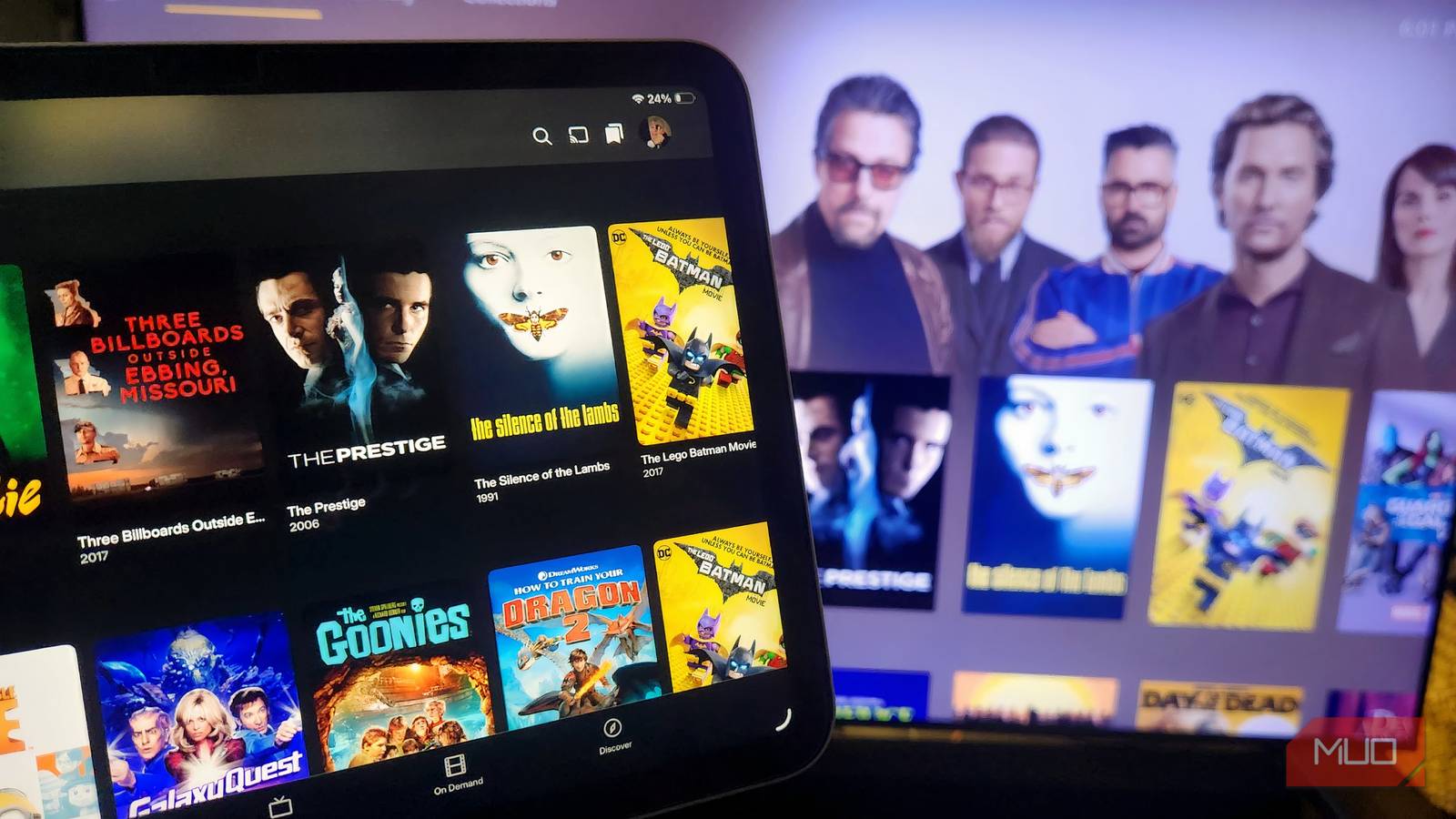

I’ve never been particularly enthusiastic about media servers; I often found the setup process overwhelming and complex. However, recently I explored Jellyfin, and its impressive features and plugin ecosystem convinced me to switch. This open-source platform offers a refreshing alternative to proprietary solutions.
Understanding Jellyfin: A Free Media Server
For those unfamiliar with the concept, Jellyfin is free and open-source media server software. Essentially, it’s a self-hosted alternative to popular platforms like Plex or Emby. It empowers you to organize, stream, and manage your movies, TV shows, music, photos, and other digital content from a centralized location accessible across various devices. Notably, the core principle behind Jellyfin is its commitment to being completely free—there are no premium subscriptions or feature limitations based on payment tiers.
The Philosophy Behind Open-Source Media Management
Unlike many commercial media server solutions, Jellyfin’s open-source nature provides transparency and community involvement. This means developers worldwide can contribute to its development, leading to continuous improvement and innovation. Furthermore, users gain greater control over their data and privacy, as everything is hosted on your own hardware rather than a third-party service.
Key Features That Drove My Switch to Jellyfin
While the core functionality of Jellyfin is undoubtedly appealing, it’s the breadth and depth of its features that truly won me over. Let’s explore some of those key aspects in more detail.

- No Subscription Fees: The absence of a subscription model is a significant advantage. You gain access to all features without incurring ongoing costs—a stark contrast to other platforms.
- Extensive Plugin Support: Jellyfin’s plugin architecture significantly expands its capabilities, allowing for custom functionalities and integrations. There are plugins available for transcoding, advanced metadata management, and much more.
- Broad Device Compatibility: Access your media library seamlessly on a wide range of devices, including smartphones, tablets, smart TVs (such as Roku and Fire TV), web browsers, and desktop applications—ensuring accessibility wherever you go.
- Customizable User Interface: Jellyfin provides extensive customization options, enabling you to tailor the user interface and server settings precisely to your preferences. You can even create custom themes for a personalized experience.
- Automatic Metadata Management: The system automatically fetches metadata (titles, descriptions, artwork) for your media files from online databases like TMDb and MusicBrainz—resulting in a well-organized and visually appealing library.
Advanced Features That Enhance the Jellyfin Experience
Beyond the core features, certain aspects of Jellyfin truly solidified my decision to make the switch. These nuanced capabilities elevate it beyond a basic media server.
Live TV and DVR Functionality
One of the most exciting features is its support for Live TV and Digital Video Recording (DVR) functionality. With compatible hardware, like a tuner card, you can record over-the-air broadcasts directly within Jellyfin, eliminating the need for separate PVR solutions. As a result, your entertainment hub is simplified.
Flexible Transcoding Options
Jellyfin offers transcoding capabilities, which are essential for ensuring smooth playback on devices with limited processing power or slower internet connections. While performance relies heavily on your server’s hardware specifications, this feature is invaluable for broader device compatibility.
Robust User Management and Permissions
For households with multiple users, Jellyfin’s user management system provides a vital layer of control. You can create individual accounts, assign specific access permissions to media libraries, and even restrict certain features for younger viewers—promoting responsible viewing habits.
# Example: Granting read-only access to a user
grant user 'guest' read-only;
Secure Remote Access
Access your media library from anywhere in the world with secure remote access options. Jellyfin provides mechanisms for setting up VPN connections or configuring port forwarding, ensuring the protection of your data while you enjoy your content.
Conclusion: Is Jellyfin Worth Considering?
Switching to any new platform requires an investment of time and effort; however, the advantages of Jellyfin significantly outweigh the initial learning curve. Its open-source nature, expansive feature set, and complete absence of subscription fees make it a highly compelling choice for anyone seeking a self-hosted media server solution. If you’re currently using Plex or Emby, I strongly encourage you to explore Jellyfin—you might discover a whole new level of flexibility and control over your media.
Ultimately, Jellyfin has become my preferred solution for managing and streaming my digital media collection, thanks to its powerful features and dedication to open-source principles.
Source: Read the original article here.
Discover more tech insights on ByteTrending.
Discover more from ByteTrending
Subscribe to get the latest posts sent to your email.