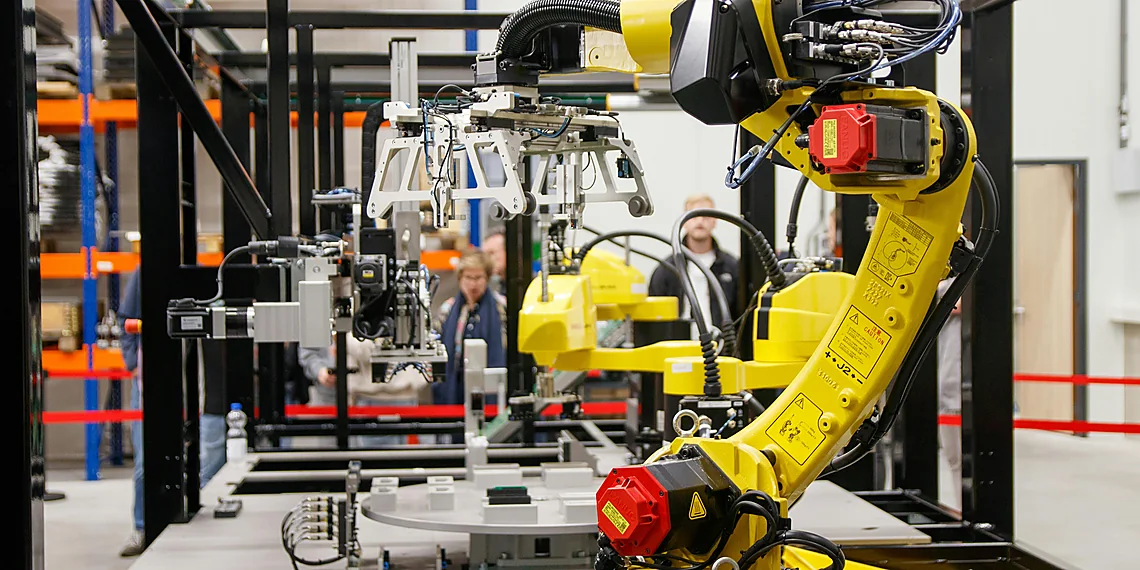


We’re excited to announce NVIDIA DGX™ Spark support for Docker Model Runner. The new NVIDIA DGX Spark delivers exceptional performance, and Docker Model Runner makes it accessible. With Model Runner, you can easily run and iterate on larger models right on your local machine, leveraging the familiar and intuitive Docker experience you already trust. This combination streamlines the process of developing powerful AI applications.
In this article, we’ll explore how DGX Spark and Docker Model Runner work together to accelerate and simplify local model development. We’ll cover everything from the unboxing experience to setting up Model Runner and integrating it into your daily developer workflows, ultimately unlocking new possibilities for AI innovation.
What is NVIDIA DGX Spark?
NVIDIA DGX Spark represents the newest generation of the DGX family: a compact, workstation-class AI system powered by the Grace Blackwell GB10 Superchip. It delivers remarkable performance designed specifically for local model development. For researchers and developers, it provides an effortless way to prototype, fine-tune, and serve large models without relying on cloud infrastructure. Furthermore, its design prioritizes speed and efficiency.
Understanding the DGX Spark’s Capabilities
The DGX Spark’s architecture allows for significant acceleration in AI workflows. Its powerful hardware handles complex computations efficiently, reducing development cycles and enabling faster iteration. Consequently, developers can focus on model refinement rather than infrastructure management. It is truly a game-changer for local AI development.
DGX Spark: A Developer’s Dream
At Docker, we were fortunate enough to test a preproduction version of DGX Spark. As a result, we can confirm it’s as impressive in person as its launch materials suggest. The system’s compact form factor and powerful capabilities make it an invaluable tool for anyone working with large AI models.
Why Run Local AI Models and How Docker Model Runner & NVIDIA DGX Spark Make It Easy
Many developers, including those at Docker, are increasingly experimenting with local AI model development. Running locally offers several key advantages. For example, it ensures data privacy by keeping everything on your machine, eliminating external API calls. Moreover, offline availability allows for work from anywhere, even without an internet connection. In addition, you can easily experiment with prompts, adapters, or fine-tuned variants without relying on remote infrastructure.
Addressing the Challenges of Local AI
However, running large models locally presents certain challenges. Local GPUs and memory capacity can be limiting factors. Furthermore, setting up CUDA, runtimes, and dependencies can often consume valuable time. Finally, managing security and isolation for AI workloads adds complexity to the process.
The Synergy of DGX Spark & Docker Model Runner
This is precisely where NVIDIA DGX Spark and Docker Model Runner (DMR) provide a powerful solution. DMR offers a secure and straightforward way to run AI models in a sandboxed environment, seamlessly integrated with Docker Desktop or Docker Engine. When combined with the DGX Spark’s advanced NVIDIA AI software stack and its impressive 128GB of unified memory, you benefit from plug-and-play GPU acceleration and the simplicity inherent in Docker technology.
Unboxing NVIDIA DGX Spark
The device arrived meticulously packaged, presenting a sleek and surprisingly compact design resembling more of a mini-workstation than a traditional server. Therefore, its user-friendly nature is immediately apparent.
Setup was refreshingly simple: connect power, network, and peripherals, then boot into NVIDIA DGX OS, which includes preinstalled NVIDIA drivers, CUDA, and the AI software stack. As a result, you can start experimenting almost immediately.
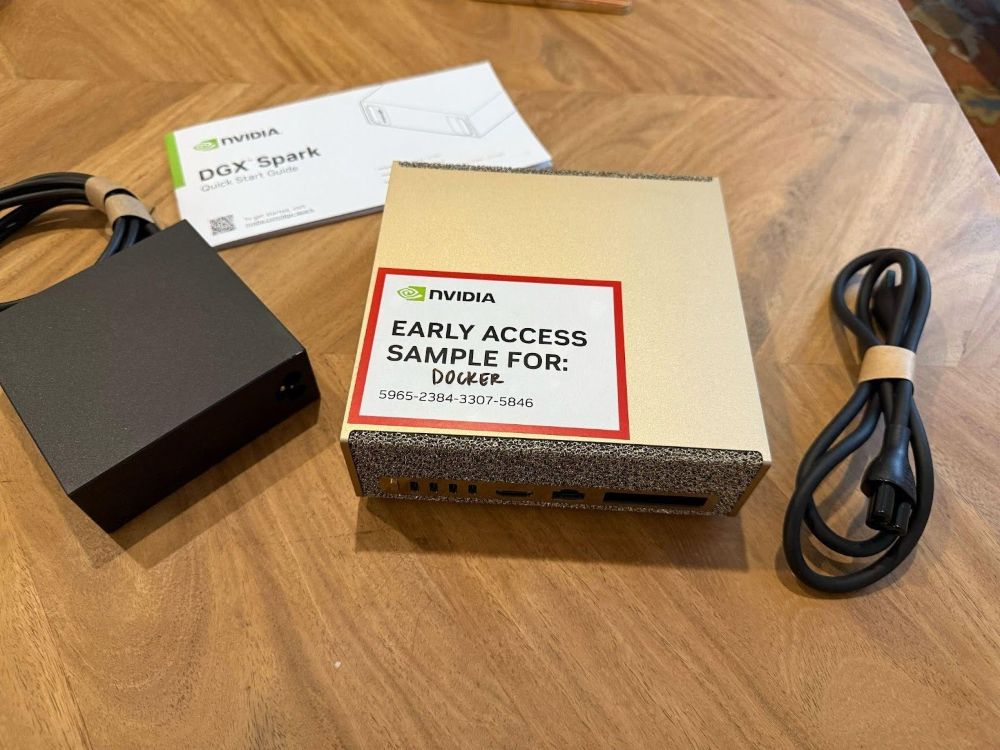
Subsequently, enabling SSH access makes it easy to integrate the Spark into your existing workflow. This allows the DGX Spark to function as an AI co-processor for your everyday development environment, augmenting rather than replacing your primary machine.
Getting Started with Docker Model Runner on NVIDIA DGX Spark
Installing Docker Model Runner on the DGX Spark is a straightforward process that can be completed in just minutes. Initially, it’s essential to confirm that Docker Engine (CE) is properly installed.
Verifying Docker CE Installation
DGX OS comes with Docker Engine (CE) preinstalled. To verify the installation, simply run a command to check the version. For example: docker --version. If Docker Engine is running correctly, you will see output displaying the installed version number. This confirms that you can proceed with installing and configuring Docker Model Runner.
Installing and Configuring Docker Model Runner
Once Docker CE is confirmed to be working, follow the instructions provided in the official Docker documentation for installing and configuring Model Runner on DGX Spark. The process involves downloading the necessary files and executing a few simple commands. Consequently, you’ll be able to begin using Model Runner to streamline your AI development workflows.
By combining the power of NVIDIA DGX Spark with the ease of Docker Model Runner, developers can unlock new levels of productivity and innovation in their AI projects. This combination provides a compelling solution for local model development, enabling faster iteration cycles and more efficient workflows.
Source: Read the original article here.
Discover more tech insights on ByteTrending.
Discover more from ByteTrending
Subscribe to get the latest posts sent to your email.