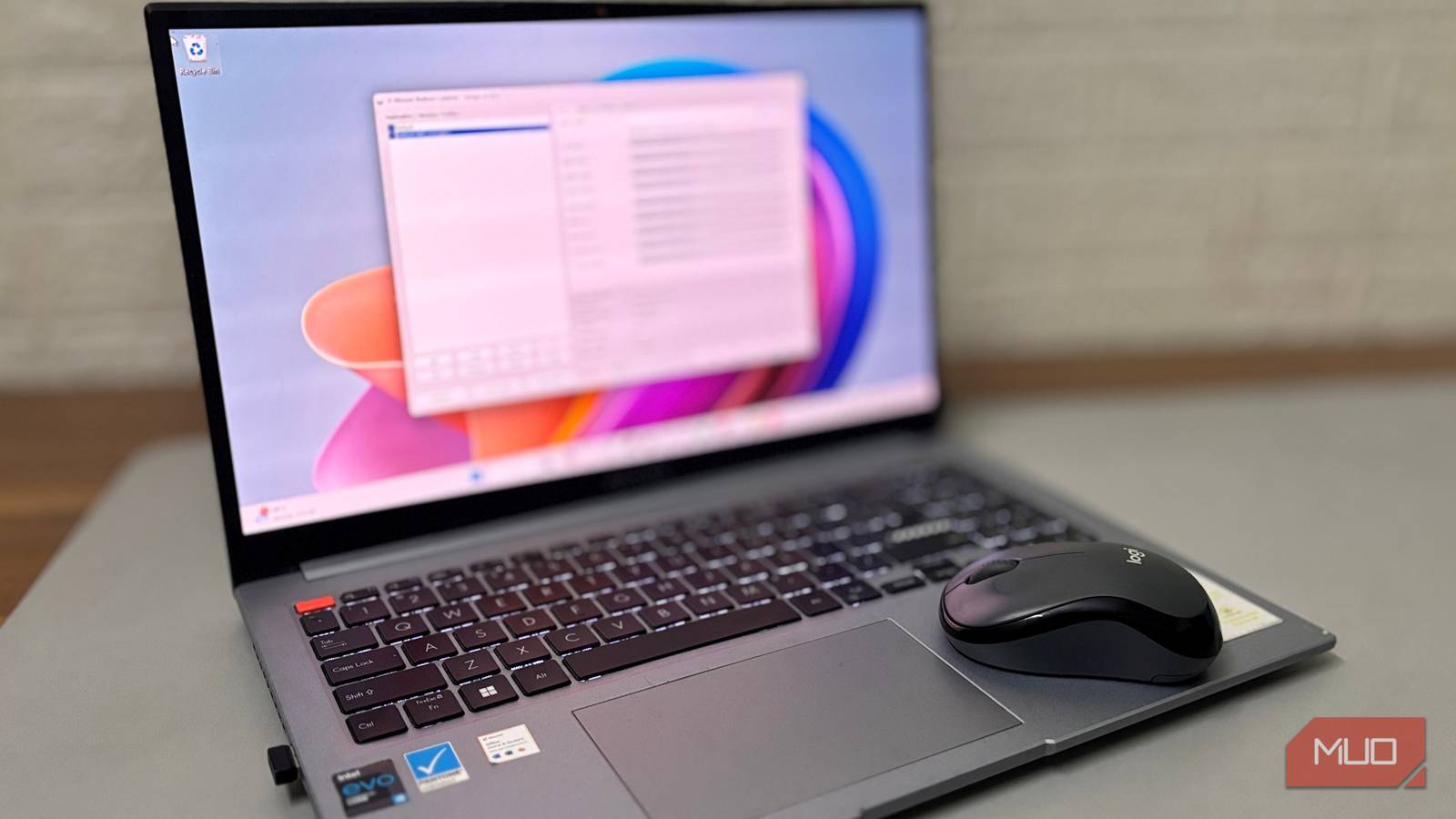

Experiencing sluggishness with your computer? It’s a common frustration, especially as technology advances and our systems age. I was about ready to give up on my old laptop that I used sparingly. It took ages to start, opening the browser felt like a test of patience, and even typing had a slight delay. Now, there’s no shortage of ways to make old laptops run like new, but if you asked me for the single tweak that made the biggest difference, it’s this one: forcing Windows to prioritize performance over looks. Optimizing your system’s performance can breathe new life into older hardware and improve overall efficiency.
Understanding Visual Effects and Their Impact on System Performance
Windows, by default, enables a suite of visual effects designed to enhance the user experience. These include animations, shadows, transparency, and more. While visually appealing, these features consume system resources—CPU power, RAM, and GPU performance. Furthermore, each effect requires processing power that could be used for other tasks. On older or less powerful laptops, these effects can significantly impact overall speed and responsiveness.
Why Prioritize Performance Over Aesthetics?
An older laptop likely has limited hardware capabilities compared to modern machines. Reducing the load on its components allows it to handle everyday tasks more efficiently. Disabling unnecessary visual effects frees up resources, leading to faster boot times, quicker application loading, and a generally smoother user experience. Notably, prioritizing performance doesn’t necessarily mean sacrificing all aesthetics; it’s about finding a balance between appearance and functionality. Therefore, making strategic adjustments can yield significant improvements.
Practical Steps to Optimize Windows Performance
Optimizing your system for enhanced performance is surprisingly straightforward. The process involves adjusting visual effects settings within Windows. Initially, open System Properties by right-clicking on the Start button and selecting “System”. Subsequently, click on “Advanced system settings” in the left sidebar.
Navigating Visual Effects Settings
Next, go to the “Advanced” tab and then click the “Settings…” button under the “Performance” section. This opens a new window titled “Visual Effects”. In addition, you’ll find several options within this window that allow for customization. You can choose from pre-defined settings like
Source: Read the original article here.
Discover more tech insights on ByteTrending.
Discover more from ByteTrending
Subscribe to get the latest posts sent to your email.