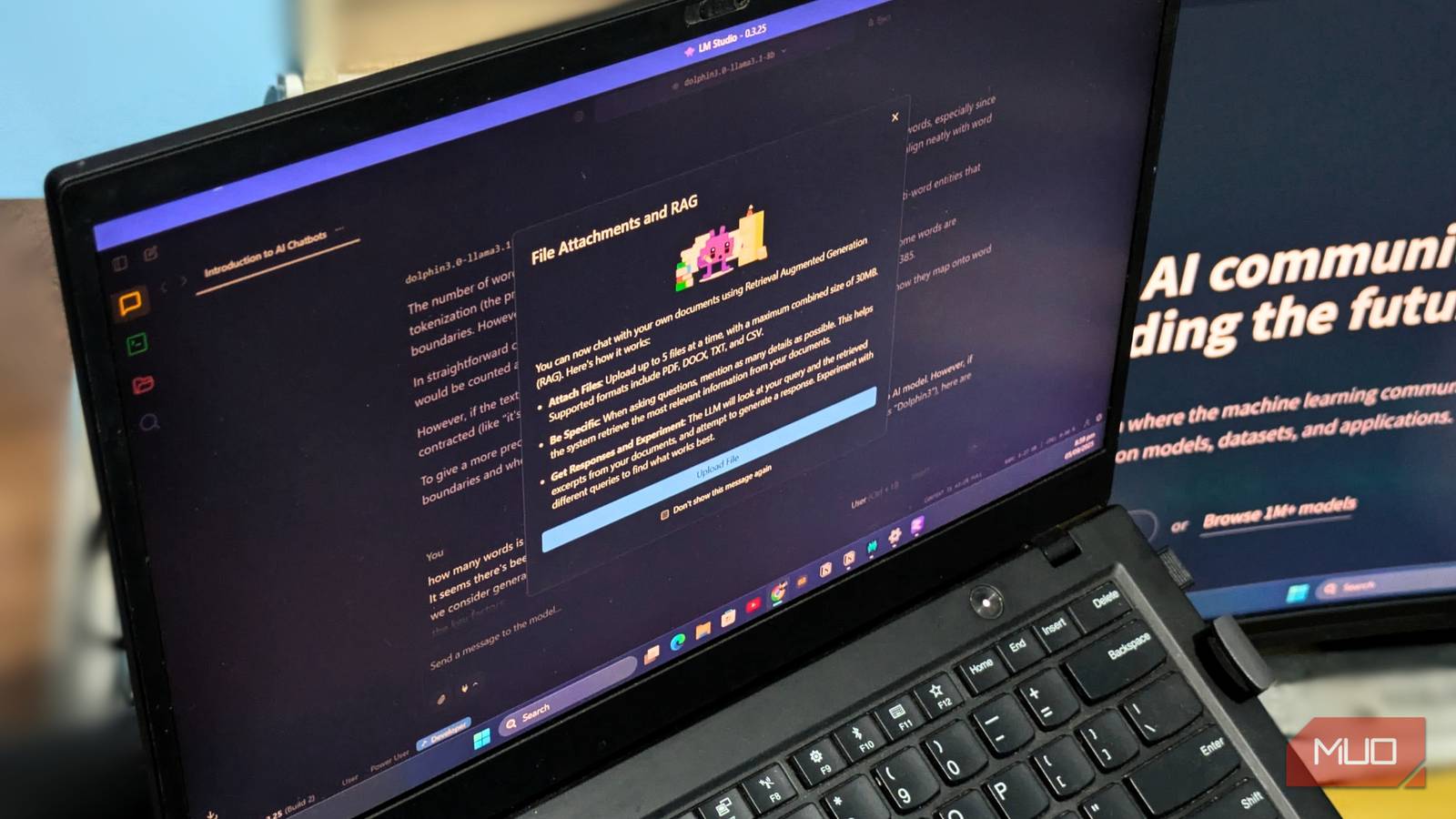

For a long time, I’ve relied on cloud-based chatbots due to the significant computing power required by large language models (LLMs). However, recent advancements like LM Studio and quantized LLMs have revolutionized this landscape. Now, I can run decent models offline using readily available hardware. What began as simple curiosity about offline AI has evolved into a powerful alternative—one that’s cost-effective, operates without an internet connection, and provides complete control over my AI interactions.
The Growing Popularity of Local Language Models
Historically, accessing sophisticated language models like GPT-4 necessitated dependence on cloud services. While these platforms offer impressive capabilities, they also present drawbacks such as data privacy concerns, reliance on an internet connection, and recurring subscription costs. Fortunately, recent breakthroughs in quantization techniques alongside user-friendly tools have dramatically altered the situation. Quantization effectively reduces model size without a substantial drop in performance, making it feasible to run these models on standard consumer hardware.
Understanding LM Studio
LM Studio (https://lmstudio.ai/) serves as a central platform for downloading, managing, and running quantized language models. It provides an intuitive interface to browse the Hugging Face model repository, download models optimized for your hardware (CPU or GPU), and launch them with minimal configuration. Notably, LM Studio’s simplicity allows even users without extensive technical expertise to get started quickly.
Deciphering Quantized Models
Quantization is a vital element in this shift. Standard language models are often stored in FP16 or FP32 formats, demanding considerable memory and processing power. However, quantized versions – such as those using Q4_K_M or Q5_K_S formats – represent model parameters with fewer bits (typically 4 or 5). This significantly shrinks the model’s size; for example, a 13B parameter model can be compressed to under 7GB in a quantized format, making it possible to run on modest laptops and desktops. Therefore, this reduction enables broader accessibility of offline AI.


Advantages of Utilizing AI Offline
The transition to offline AI offers several significant benefits. First and foremost, data privacy is substantially enhanced; your prompts and responses remain entirely local, preventing transmission or storage on third-party servers. Furthermore, you gain complete control over the model itself—eliminating reliance on API availability or changes in service terms. Additionally, cost savings are considerable; cloud AI services can accumulate expenses quickly, while running models locally eliminates these recurring charges.
- Privacy: Ensures your data remains local and secure.
- Control: Provides independence from external servers and potential service disruptions.
- Cost Savings: Eliminates subscription fees associated with cloud-based services.
- Offline Access: Enables functionality even without an internet connection – a key feature of offline AI.

While the performance of quantized models may not perfectly match their full-precision counterparts, the trade-off is often worthwhile. The ability to run sophisticated AI locally unlocks a level of privacy, control, and accessibility that was previously difficult to achieve. In addition, this makes offline AI more accessible to a wider audience.
Getting Started: LM Studio and Dolphin
Setting up a local AI environment is surprisingly simple. Begin by downloading and installing LM Studio. Subsequently, browse the available models on Hugging Face, paying close attention to their size and quantization format – prioritizing Q4 or Q5 versions. Dolphin (https://dolphin-llama.com/) provides a user interface for interacting with local LLMs, offering enhanced features such as character customization and improved context management. Similarly, experimenting with different models will allow you to find the optimal balance between performance and resource usage in your offline AI setup.
The shift towards offline AI signifies a transformative change in how we interact with language models, empowering individuals and fostering innovation beyond the constraints of cloud-based services.
Source: Read the original article here.
Discover more tech insights on ByteTrending.
Discover more from ByteTrending
Subscribe to get the latest posts sent to your email.